Date Formatting


Author
Message
Greg Corliss
Greg Corliss
Forum Newbie (0 reputation)Forum Newbie (0 reputation)Forum Newbie (0 reputation)Forum Newbie (0 reputation)Forum Newbie (0 reputation)Forum Newbie (0 reputation)Forum Newbie (0 reputation)Forum Newbie (0 reputation)Forum Newbie (0 reputation)
Group: Forum Members
Posts: 9, Visits: 17
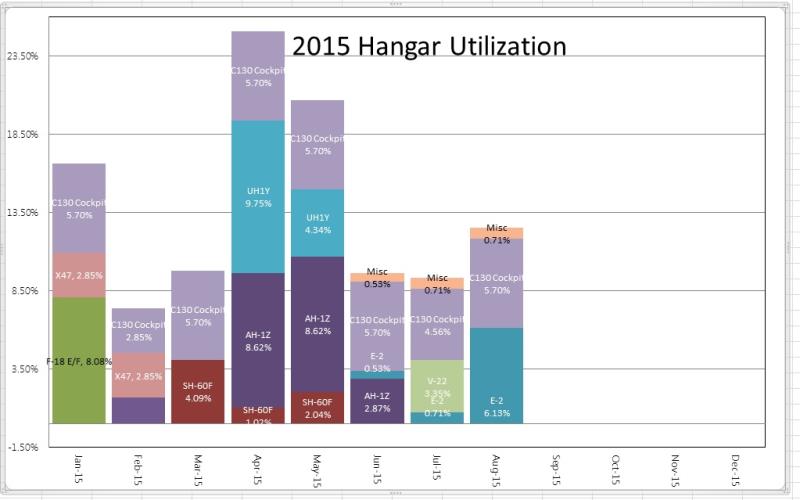
I have created a stacked bar chart from a SharePoint List View.
My dates show up as 1/1/1900 12:00 AM. I just want the month to show as JAN.
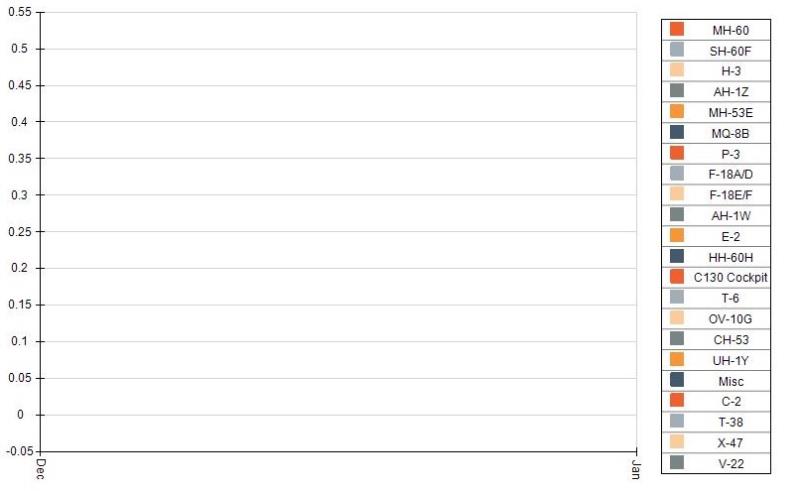
I've gone into Chart Areas > Axes > Primary X > Scale and set the sub Type to Date Time and Formatting to Fixed and set the Label format to MMM and nothing changes.
I've also tried setting the Label Angle and step mode set to a custom one month step to no avail.
Below is how I have it set up:

https://www.nevron.com/forum/uploads/images/bddbc18e-29e4-4908-9f4c-f518.jpg


Replies
Nevron Support
Nevron Support
Supreme Being (4.5K reputation)Supreme Being (4.5K reputation)Supreme Being (4.5K reputation)Supreme Being (4.5K reputation)Supreme Being (4.5K reputation)Supreme Being (4.5K reputation)Supreme Being (4.5K reputation)Supreme Being (4.5K reputation)Supreme Being (4.5K reputation)
Group: Administrators
Posts: 3.1K, Visits: 4.2K
Hi Greg,
You can review the following example: Stacked Bar Chart

Hopefully this helps.
Let us know if you meet any problems or if you have questions.


Best Regards,
Nevron Support Team


Greg Corliss
Greg Corliss
Forum Newbie (0 reputation)Forum Newbie (0 reputation)Forum Newbie (0 reputation)Forum Newbie (0 reputation)Forum Newbie (0 reputation)Forum Newbie (0 reputation)Forum Newbie (0 reputation)Forum Newbie (0 reputation)Forum Newbie (0 reputation)
Group: Forum Members
Posts: 9, Visits: 17
I've already looked at that. It shows how to change the chart type based on the parameter of the connected webpart which converts it to a stacked percent.
I simply want the 0 - 1 on the Y axis to display 0% to 100%. The stacked percent is not what I want.
It has something to do with the Label format I believe. Think it would be straight forward and simple.
I've read through the documentation, looked at numerous examples, I am unable to locate an example that does what I'm asking or documentation explaining how to accomplish it.

GO

Merge Selected

Merge into selected topic...


Merge into merge target...


Merge into a specific topic ID...


Similar Topics

Reading This Topic

Login

Explore
Messages
Mentions
Search