Nevron Rich Text for .NET is built on top of NOV’s Document Object Model (DOM), which is a unified model for constructing various types of documents that contain texts, diagrams, charts, UI elements, etc.
The components build on top of this DOM share a set of common features such as support for document structure, metadata, serialization, events, history, styling, and visualization. The styling subsystem of
NOV’s DOM is inspired by CSS and has the same functionality. The core idea in CSS is similar to the one in MS Word, however, it is much more flexible regarding the functionality provided to select different
elements inside the document.
In CSS, you’re not limited to attaching styles to individual text elements but can write complex conditions (selectors) that define which text elements should be styled and which not.
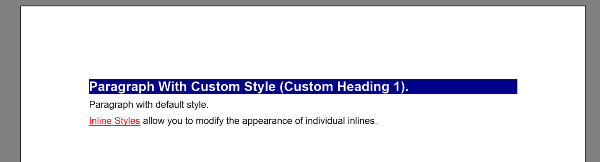
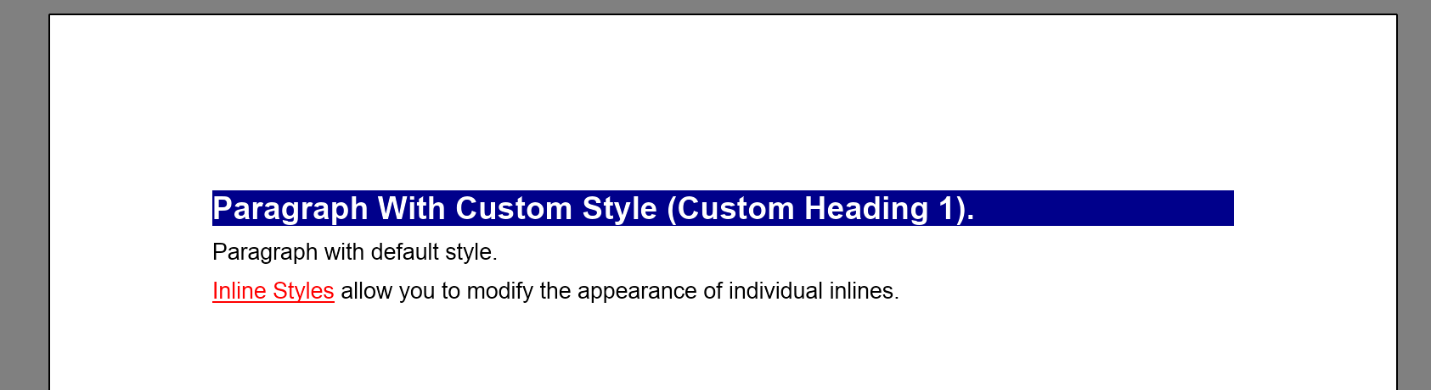
The following code shows how to create the same text document as in the previous example; but, in this example, styling is applied with the built-in CSS styling:
// create a CSS style sheet that uses different backgrounds and fonts depending on the parent of the paragraph
NStyleSheet sheet = new NStyleSheet();
nRichTextViewControl.View.Document.StyleSheets.Add(sheet);
// configure paragraph styling that applies the same styles as the CustomHeading1 style in the previous example
{
NRule rule = new NRule();
rule.Declarations.Add(new NValueDeclaration <NFill >("BackgroundFill", new NColorFill(NColor.DarkBlue)));
sheet.Add(rule);
NSelectorBuilder builder = new NSelectorBuilder(rule);
builder.Start();
builder.Type(NParagraph.NParagraphSchema);
builder.ValueEquals(NTextElement.TagProperty, "CustomHeading1");
builder.End();
}
{
NRule rule = new NRule();
rule.Declarations.Add(new NValueDeclaration<NFill >
("Fill", new NColorFill(NColor.White)));
rule.Declarations.Add(new NValueDeclaration<ENFontStyle>
("FontStyle", ENFontStyle.Bold));
rule.Declarations.Add(new NValueDeclaration<double>("FontSize", 14));
sheet.Add(rule);
NSelectorBuilder builder = new NSelectorBuilder(rule);
builder.Start();
builder.Type(NInline.NInlineSchema);
builder.ChildOf();
builder.ChildOf();
builder.Type(NParagraph.NParagraphSchema);
builder.ValueEquals(NTextElement.TagProperty, "CustomHeading1");
builder.End();
}
// configure paragraph styling that applies the same styles as the CharacterStyle1 style in the previous example
{
NRule rule = new NRule();
{
NRule rule = new NRule();
rule.Declarations.Add(new NValueDeclaration<NFill>
("Fill", new NColorFill(NColor.Red)));
rule.Declarations.Add(new NValueDeclaration<ENFontStyle>("FontStyle", ENFontStyle.Underline));
sheet.Add(rule);
NSelectorBuilder builder = new NSelectorBuilder(rule);
builder.Start();
builder.Type(NInline.NInlineSchema);
builder.ValueEquals(NTextElement.TagProperty, "CharacterStyle1");
builder.End();
}
// add some content
nRichTextViewControl.View.Content.Sections.Clear();
NSection section = new NSection();
nRichTextViewControl.View.Content.Sections.Add(section);
NParagraph paragraph1 = new NParagraph("Paragraph With Custom Style (Custom Heading 1).");
paragraph1.Tag = "CustomHeading1";
section.Blocks.Add(paragraph1);
NParagraph paragraph2 = new NParagraph("Paragraph with default style.");
section.Blocks.Add(paragraph2);
// Add dummy text content
NParagraph paragraph3 = new NParagraph();
section.Blocks.Add(paragraph3);
NTextInline firstWordInline = new NTextInline("Inline Styles");
firstWordInline.Tag = "CharacterStyle1";
paragraph3.Inlines.Add(firstWordInline);
paragraph3.Inlines.Add(new NTextInline(" allow you to modify the appearance of individual inlines."));
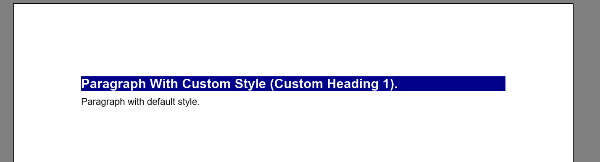
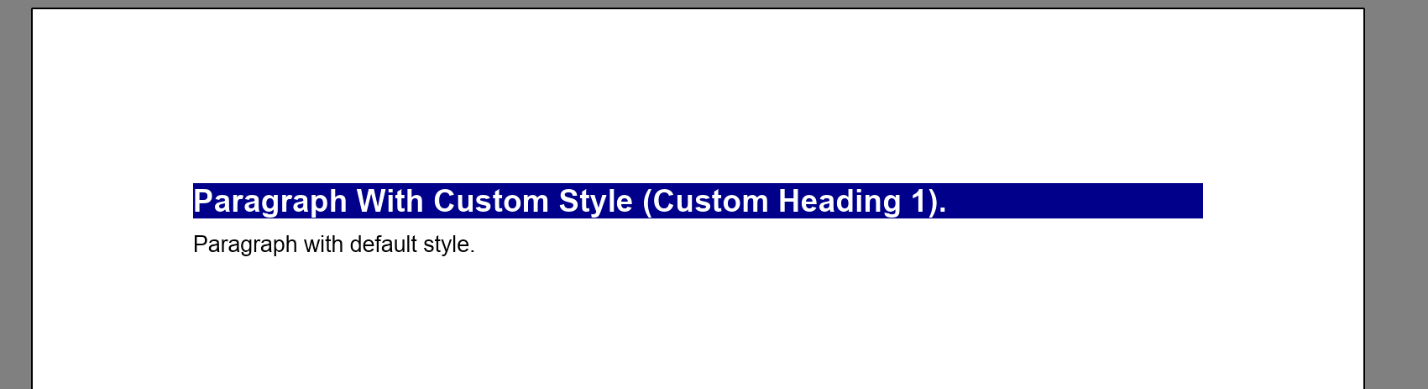
This code will result in the same document appearance.
The pros and cons of this type of styling are:
Pros:-
CSS styling allows you to write complex selectors that are not limited to the element type but can also check property values, the order of the element in the document tree, and others. In fact, you can write any selector that is supported by the CSS specification.
-
CSS styling can be applied per the whole application and visual tree and is not limited to the currently edited document.
Cons:-
CSS styles applied on the document are not exported to DOCX and RTF file formats.
-
Writing CSS styles is more complex than using the simpler Word-like styling.

 Open Vision for .NET
 NOV Chart for .NET
 NOV Diagram for .NET
 NOV Rich Text Editor for .NET
 NOV Grid for .NET
 NOV Schedule for .NET
 NOV Gauge for .NET
 NOV Barcode for .NET
 NOV User Interface for .NET
 Vision for .NET
 Chart for .NET
 Diagram for .NET
 User Interface for .NET
 Vision for SSRS
 Chart for SSRS
 Gauge for SSRS
 Map for SSRS
 Barcode for SSRS
 Vision for SharePoint
 Chart for SharePoint
 Gauge for SharePoint
 Map for SharePoint
 Barcode for SharePoint