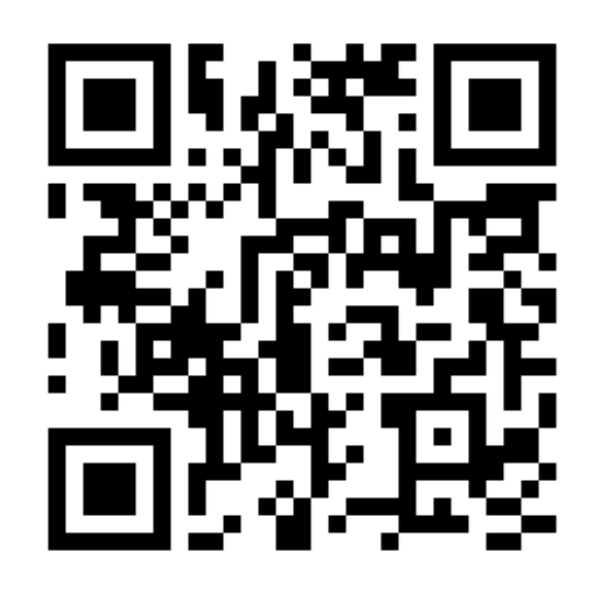
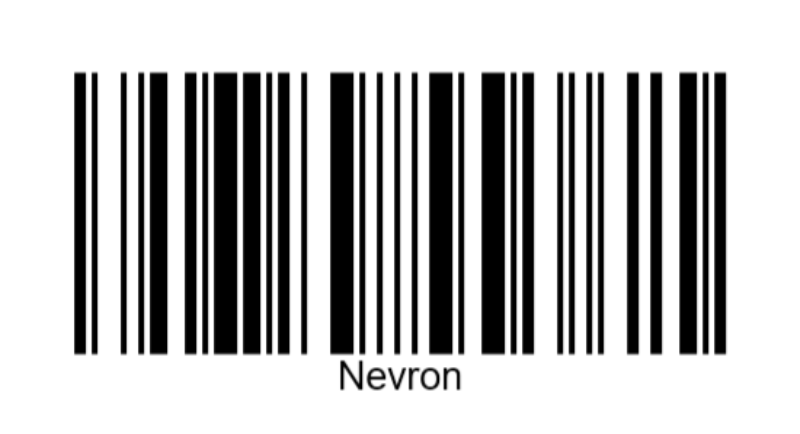
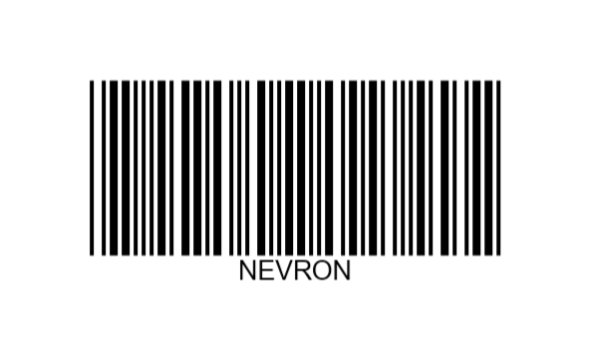
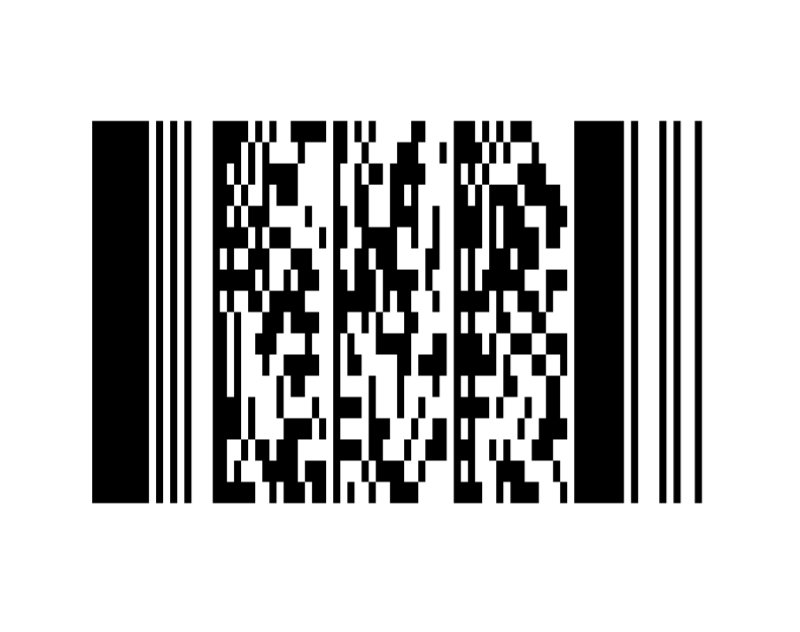
Nevron Barcode for SharePoint delivers an easy and powerful way to display data-driven linear and matrix barcodes directly inside SharePoint.
If you want to integrate barcode visualization inside your SharePoint pages, Nevron Barcode for SharePoint is a perfect choice.
It can display virtually all widely used barcode symbologies and is fully data-driven.
Nevron Barcode for SharePoint features include:
- Multiple Barcode Areas and Titles — Support for placing several barcode regions on a single report item, each with its own title and layout.
- Linear Barcode Symbologies (28) — Support for 28 linear symbologies including Codabar, Code 11, Code 39, Code 39 Extended, Code 93, Code 128 (A/B/C), EAN-8, EAN-13, FIM, Interleaved 2 of 5, ISBN, ITF-14, JAN-13, MSI variants (2Mod10, Mod10, Mod11, Mod11 Mod10), Pharmacode, PostNet, Standard 2 of 5, Telepen, UPC-A, UPC-E, and UPC supplemental (2-digit, 5-digit).
- Matrix Barcode Support — Support for QR Code, Data Matrix, and PDF417 matrix barcodes.
- Error Correction Levels — Configurable low, medium, quartile, and high correction levels (L, M, Q, H) for robust scanning and recovery.
- Pixel Snapping — Integrated pixel snapping to render barcode modules on exact pixel boundaries for crisp, scannable symbols.
- Expressions Everywhere — Almost every barcode setting supports expressions, enabling full parametrization and dynamic data-driven behavior.
- Easy-to-Use Barcode Designer — Configure all aspects of the barcode visually through a powerful and intuitive designer interface.
see more in
Features section.
Nevron Barcode for SharePoint can be purchased as part of the Nevron Vision for SharePoint suite or separately as a stand-alone product.

 Open Vision for .NET
 NOV Chart for .NET
 NOV Diagram for .NET
 NOV Rich Text Editor for .NET
 NOV Grid for .NET
 NOV Schedule for .NET
 NOV Gauge for .NET
 NOV Barcode for .NET
 NOV User Interface for .NET
 Vision for .NET
 Chart for .NET
 Diagram for .NET
 User Interface for .NET
 Vision for SSRS
 Chart for SSRS
 Gauge for SSRS
 Map for SSRS
 Barcode for SSRS
 Vision for SharePoint
 Chart for SharePoint
 Gauge for SharePoint
 Map for SharePoint
 Barcode for SharePoint