
ProductsAll Products
.NET Components
 Open Vision for .NET
 NOV Chart for .NET
 NOV Diagram for .NET
 NOV Rich Text Editor for .NET
 NOV Grid for .NET
 NOV Schedule for .NET
 NOV Gauge for .NET
 NOV Barcode for .NET
 NOV User Interface for .NET
 Vision for .NET
 Chart for .NET
 Diagram for .NET
 User Interface for .NET
 Vision for SSRS
 Chart for SSRS
 Gauge for SSRS
 Map for SSRS
 Barcode for SSRS
 Vision for SharePoint
 Chart for SharePoint
 Gauge for SharePoint
 Map for SharePoint
 Barcode for SharePoint
DownloadsAll Downloads

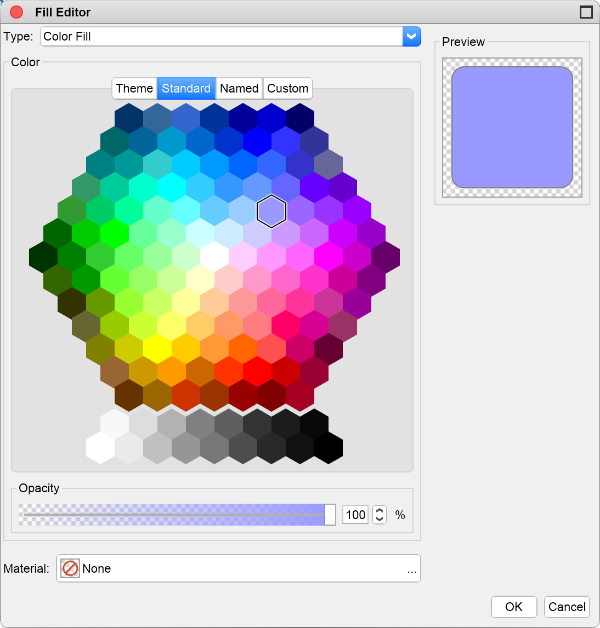
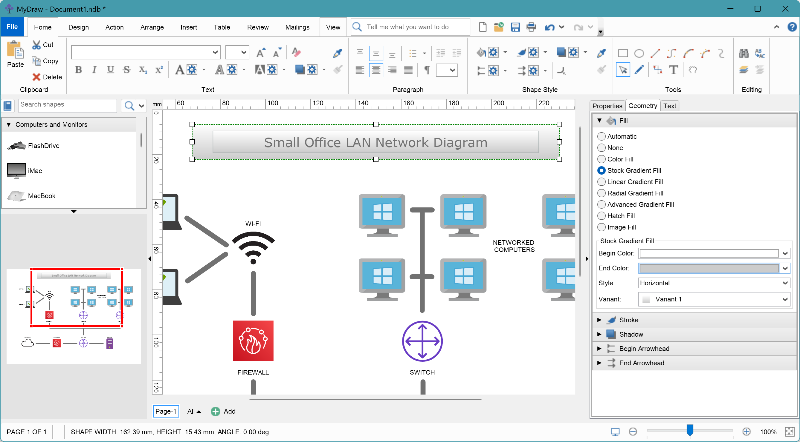
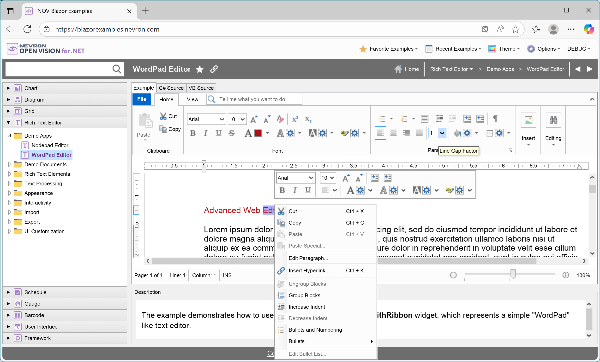
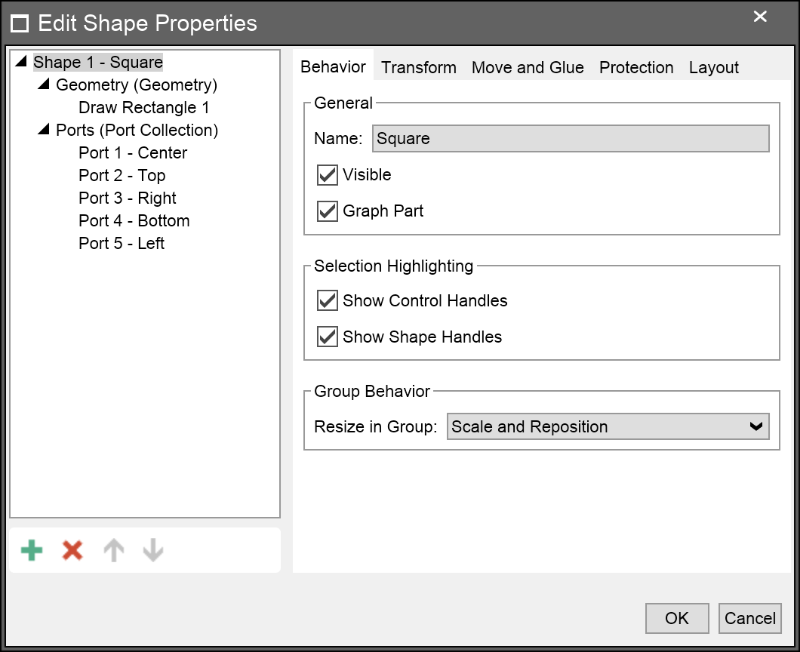
NOV UI for .NET delivers a complete suite of 70+ feature-rich User Interface controls (widgets) that you can easily integrate into any Blazor, WinForms, WPF, or Mac project. And here’s the best part — you can use the entire NOV UI for .NET toolkit for free!
These controls enable you to build fully portable applications that run consistently across Web, Windows, and Mac — all from a single code base. Whether you’re creating standalone cross-platform solutions or embedding NOV UI components into existing applications, you’ll get a unified look, feel, and API that eliminates the need for platform-specific controls.
The controls inside this toolkit can generally be categorized into the following groups:
Additionally, all controls inside the NOV UI for .NET toolkit share the following platform-wide features:
NOV UI for .NET is part of the Nevron Open Vision for .NET suite — and it’s completely free to use. Download it today!

