
ProductsAll Products
.NET Components
 Open Vision for .NET
 NOV Chart for .NET
 NOV Diagram for .NET
 NOV Rich Text Editor for .NET
 NOV Grid for .NET
 NOV Schedule for .NET
 NOV Gauge for .NET
 NOV Barcode for .NET
 NOV User Interface for .NET
 Vision for .NET
 Chart for .NET
 Diagram for .NET
 User Interface for .NET
 Vision for SSRS
 Chart for SSRS
 Gauge for SSRS
 Map for SSRS
 Barcode for SSRS
 Vision for SharePoint
 Chart for SharePoint
 Gauge for SharePoint
 Map for SharePoint
 Barcode for SharePoint
DownloadsAll Downloads


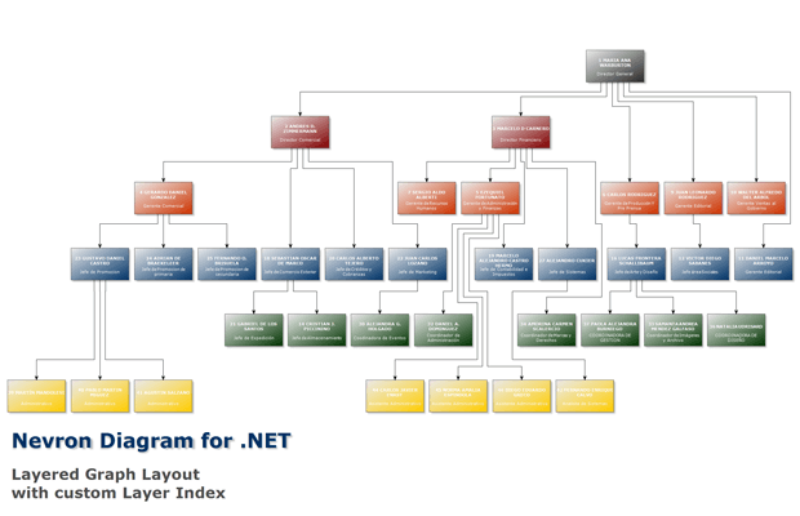
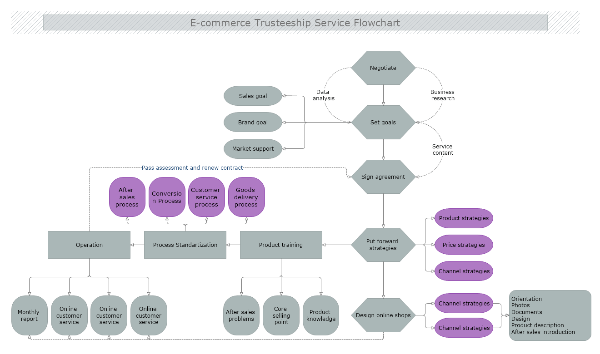
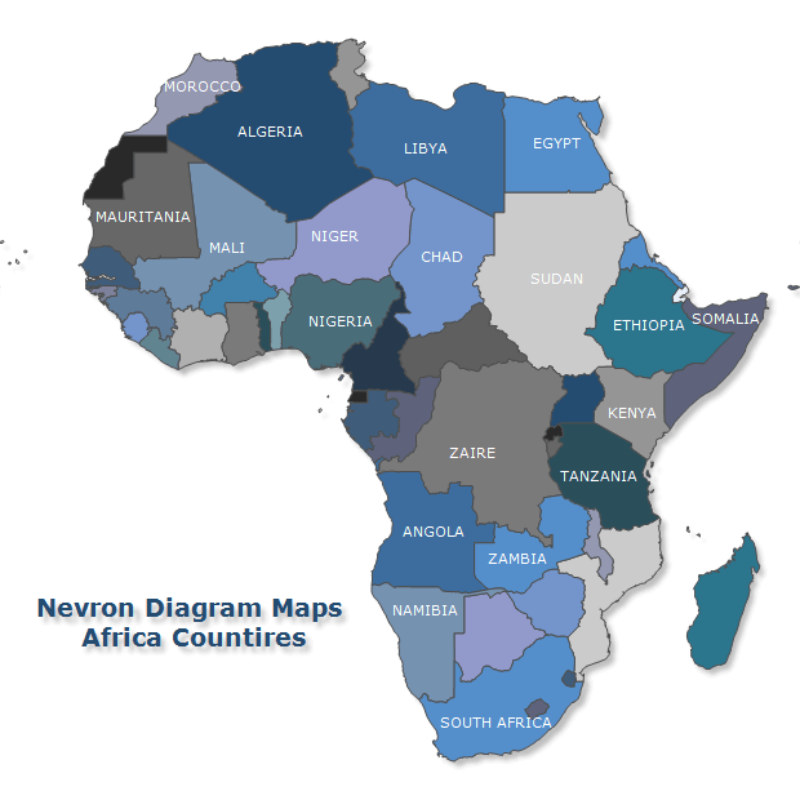
Nevron Diagram for .NET is the diagramming component that helped establish Nevron’s reputation for delivering feature-rich, fast, and robust visualization solutions for .NET. For many years, it set the standard for advanced relational charts and automatically generated diagrams, making it the preferred choice for developers needing powerful diagramming capabilities.
Whether you needed interactive Flow Charts, Organizational Charts, Maps, Process Control Diagrams, HMI interfaces, or data-driven diagram generation, Nevron Diagram for .NET provided an extensive set of “out of the box” features designed to accelerate development and keep projects on time and on budget.
Carefully crafted to meet diverse requirements and specific business needs, it provides flexible extensibility options, which will help you to integrate it perfectly into your project.
Nevron Diagram for .NET contains a full range of advanced diagramming components for WinForms, ASP.NET and MVC application development that share a common diagramming API, document format, and features. This helps you standardize your diagramming development across a wide range of .NET platforms.
Nevron Diagram for .NET features include:
Nevron Diagram for .NET can be purchased as part of the Nevron Vision for .NET suite or separately as a stand-alone product.

