
ProductsAll Products
.NET Components
 Open Vision for .NET
 NOV Chart for .NET
 NOV Diagram for .NET
 NOV Rich Text Editor for .NET
 NOV Grid for .NET
 NOV Schedule for .NET
 NOV Gauge for .NET
 NOV Barcode for .NET
 NOV User Interface for .NET
 Vision for .NET
 Chart for .NET
 Diagram for .NET
 User Interface for .NET
 Vision for SSRS
 Chart for SSRS
 Gauge for SSRS
 Map for SSRS
 Barcode for SSRS
 Vision for SharePoint
 Chart for SharePoint
 Gauge for SharePoint
 Map for SharePoint
 Barcode for SharePoint
DownloadsAll Downloads
Wilmington, Delaware — March 17th, 2021
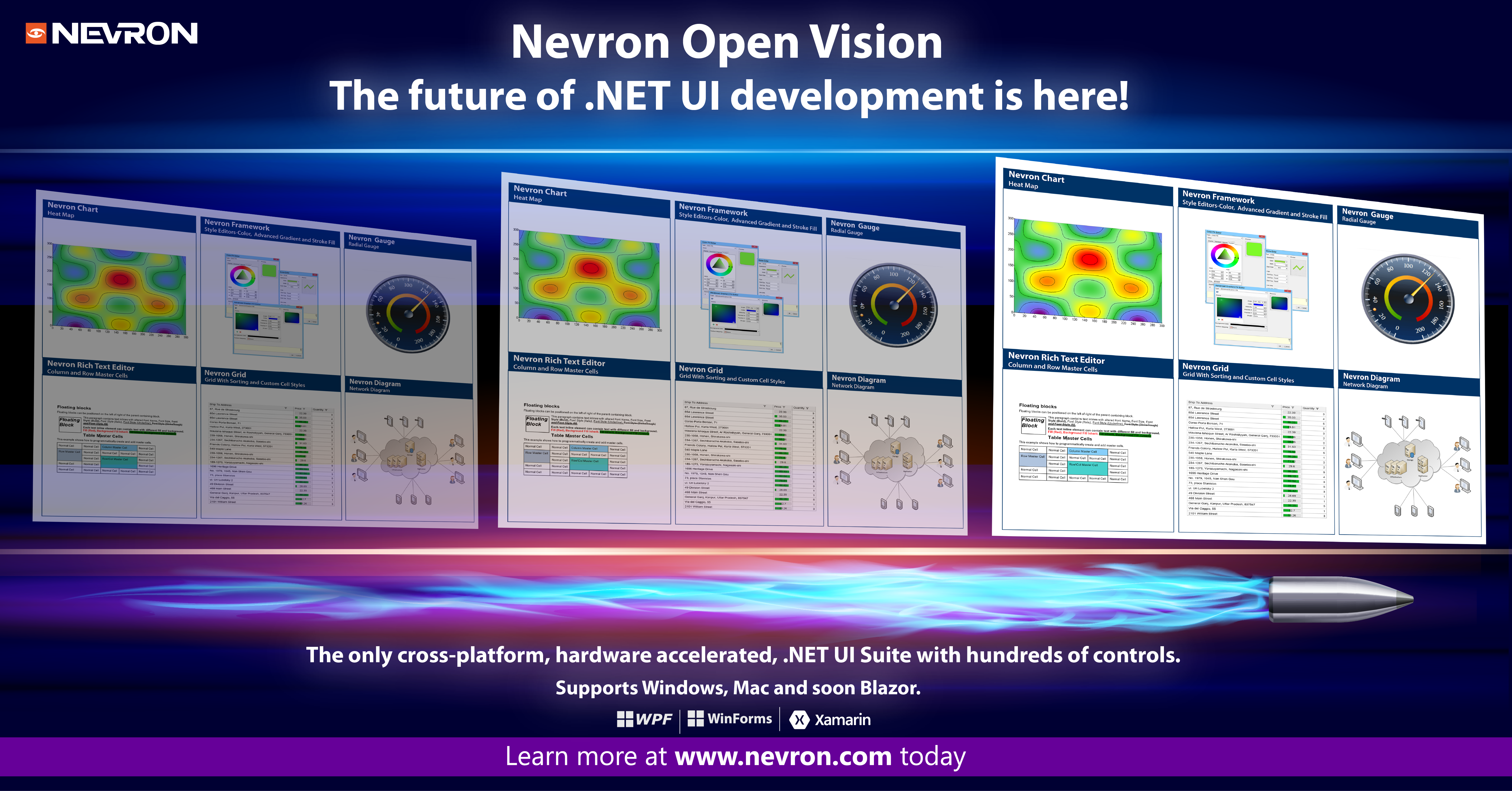
Nevron Software announces the official release of Nevron Open Vision for .NET 2021.1 – The future of .NET UI development is here!
Developing cutting-edge applications for Windows, Mac, and soon Blazor using a single code base.
NOV includes all the components you need to build your next great application,including Chart, Diagram, Gauge, Grid, Scheduler, Rich Text Editor, Ribbon and others.
Following is a summary of the new features introduced by the 2021.1 release:
The new version of NOV includes a new hardware-accelerated rendering engine based on OpenGL. This greatly improves NOV rendering speed and responsiveness in all UI-related tasks. All controls in the suite benefit directly from this new feature which is enabled by default. If the current hardware does not support hardware acceleration the rendering falls back to software rendering automatically.
NOV design-time controls for WinForms/WPF now expose the full programmatic interface (API) of the Widget they wrap. This makes it possible to write code that calls methods or properties of the widget directly using the reference to the WinForms/WPF host control. This also applies to widget exposed events - for example, Clicked, CheckedChanged, and so on.
NOV startup processes are now significantly optimized, so you can expect an up to 20% faster startup. The Mac version also uses ahead of time compilation (AOT), which translates into an even faster startup on this OS.
Localization dictionaries now include a Turkish translation of the UI and shapes.
NOV comes with the new Windows 10 UI theme.
The ZIP compression/decompression performance is significantly improved.
The image processing (grayscale, image format conversions, etc.), as well as NOV image decoders, have been significantly optimized.
The new version of NOV Diagram comes with more than 300 Shape Libraries for different application fields. Libraries are also neatly organized depending on their field of application, so you can quickly locate the relevant shape library depending on your needs.
Libraries are also neatly organized depending on their field of application, so you can quickly locate the relevant shape library depending on your needs.
NOV Diagram now contains thousands of vector-based shapes that are essential when creating professional-looking diagrams and drawings. With this vast amount of shapes, it is easy to create any type of diagram, drawing, presentation, or document. Further, shapes in different libraries share a common visual appearance so you can easily mix shapes from different libraries as well.
The library browser is completely redesigned to provide better management and navigation through the hundreds of new shape libraries. The new version introduces a brand new Library Gallery, that allows you to browse through the hierarchically organized shape libraries. The functionality for searching for libraries and shapes is also significantly improved. Shape search results are organized in expandable groups thus allowing you to see results showing thousands of matching shapes. Besides shapes, you can also search for libraries and library folders.
The AutoCAD support has been improved with the following features:
The Visio support has been improved with the following features:
The tables in the rich text editor component now have improved support for table ranges:
PDF export now supports interactive hyperlinks. You can now create PDF documents that can redirect to a specified URL or navigate the PDF viewer to a bookmark inside the PDF document.
The control's customization capabilities have been significantly improved to support custom keyboard interaction, custom copy/paste formats, and others.
The control can now be configured to turn off word wrapping. In this mode, it will behave like a normal text box with word wrapping disabled. This feature is very useful when you have to display <pre> tags in HTML as well as if you want to create a custom code editor.


