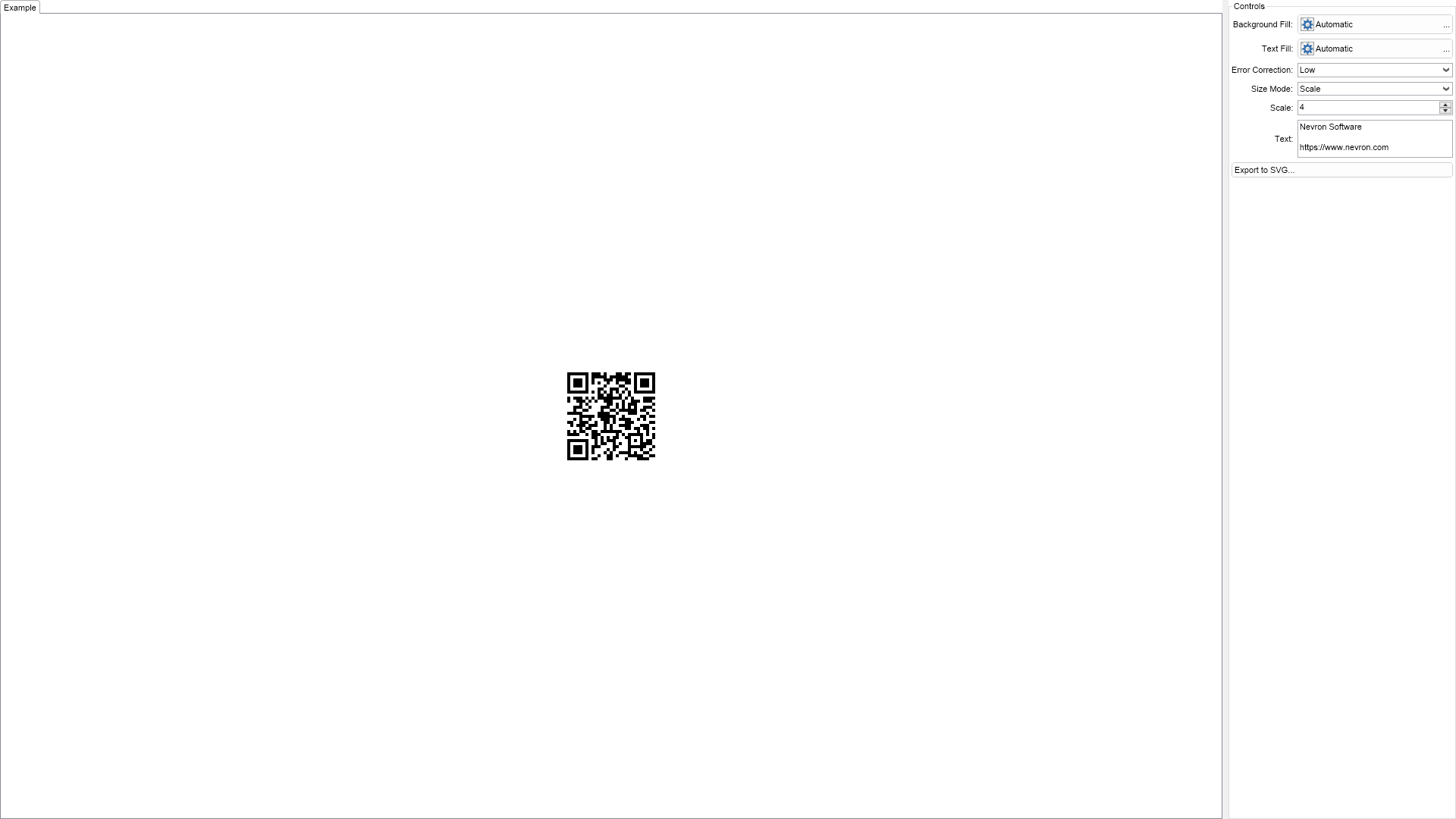
This example demonstrates how to export barcodes to SVG. Enter some text in the text box on the right and click the Export to SVG... button.

| Language: C# |
using Nevron.Nov;
using Nevron.Nov.Barcode;
using Nevron.Nov.DataStructures;
using Nevron.Nov.Dom;
using Nevron.Nov.Editors;
using Nevron.Nov.Formats.Svg;
using Nevron.Nov.Graphics;
using Nevron.Nov.Layout;
using Nevron.Nov.Presentation;
using Nevron.Nov.UI;
using Nevron.Nov.Windows.Forms;
using System;
using System.IO;
using System.Windows.Forms;
namespace NovWinFormsProject
{
public partial class Form1 : Form
{
#region Constructors
public Form1()
{
InitializeComponent();
// Set form title
Text = "NOV WinForms - NBarcodeSvgExportExample";
// Create the NOV example and its controls
NWidget exampleContent = CreateExampleContent();
NWidget exampleControls = CreateExampleControls();
if (exampleControls != null)
{
exampleControls.PreferredWidth = 300;
}
// Place the example and its controls in a pair box
NPairBox pairBox = new NPairBox(exampleContent, exampleControls);
pairBox.FillMode = ENStackFillMode.First;
pairBox.FitMode = ENStackFitMode.First;
pairBox.Margins = new NMargins(NDesign.HorizontalSpacing, NDesign.VerticalSpacing);
// Host the example in the form
NNovWidgetHost host = new NNovWidgetHost(pairBox);
host.Dock = DockStyle.Fill;
Controls.Add(host);
}
#endregion
#region Example
public NWidget CreateExampleContent()
{
m_Barcode = new NMatrixBarcode(ENMatrixBarcodeSymbology.QrCode, "Nevron Software" +
Environment.NewLine + Environment.NewLine + "https://www.nevron.com");
m_Barcode.HorizontalPlacement = ENHorizontalPlacement.Center;
m_Barcode.VerticalPlacement = ENVerticalPlacement.Center;
return m_Barcode;
}
public NWidget CreateExampleControls()
{
NStackPanel stack = new NStackPanel();
// Create the property editors
NList editors = NDesigner.GetDesigner(m_Barcode).CreateMemberEditors(
m_Barcode,
NMatrixBarcode.BackgroundFillProperty,
NMatrixBarcode.TextFillProperty,
NMatrixBarcode.ErrorCorrectionProperty,
NMatrixBarcode.SizeModeProperty,
NMatrixBarcode.ScaleProperty,
NMatrixBarcode.TextProperty
);
for (int i = 0, count = editors.Count; i < count; i++)
{
stack.Add(editors[i]);
}
NButton exportToSvgButton = new NButton("Export to SVG...");
exportToSvgButton.Click += OnExportToSvgButtonClick;
stack.Add(exportToSvgButton);
return new NUniSizeBoxGroup(stack);
}
public string GetExampleDescription()
{
return @"
This example demonstrates how to export barcodes to SVG. Enter some text in the text box on the right
and click the Export to SVG... button.
";
}
///
/// Gets the relevant documentation links for the example
///
///
public (string Name, string Url)[] GetDocumentationUrls()
{
return new[]
{
("Usage Scenarios", "https://www.nevron.com/docs/openvision/usage-scenarios.html"),
("Barcodes Overview", "https://www.nevron.com/docs/openvision/barcodes-overview.html"),
("Working with Images", "https://www.nevron.com/docs/openvision/working-with-images.html"),
};
}
#endregion
#region Implementation
#endregion
#region Event Handlers
private void OnExportToSvgButtonClick(NEventArgs arg)
{
NSaveFileDialog exportToSvgDialog = new NSaveFileDialog();
exportToSvgDialog.FileTypes = new NFileDialogFileType[] {
new NFileDialogFileType("SVG Files", "svg") };
exportToSvgDialog.Closed += OnExportToSvgDialogClosed;
exportToSvgDialog.RequestShow();
}
private void OnExportToSvgDialogClosed(NSaveFileDialogResult arg)
{
if (arg.Result != ENCommonDialogResult.OK)
return;
// Generate an SVG document from the barcode
NContinuousMediaDocument svgExporter = new NContinuousMediaDocument(m_Barcode);
NSvgDocument svgDocument = svgExporter.CreateSvg(m_Barcode, 0);
// Save the SVG document to a file
arg.File.CreateAsync().Then(
delegate (Stream stream)
{
using (stream)
{
svgDocument.SaveToStream(stream);
}
}
);
}
#endregion
#region Fields
private NBarcode m_Barcode;
#endregion
#region Static Methods
#endregion
#region Constants
#endregion
#region Nested Types
#endregion
}
} | Language: VB.NET |
Imports Nevron.Nov
Imports Nevron.Nov.Barcode
Imports Nevron.Nov.Dom
Imports Nevron.Nov.Editors
Imports Nevron.Nov.Graphics
Imports Nevron.Nov.Layout
Imports Nevron.Nov.UI
Imports Nevron.Nov.Windows.Wpf
Imports System
Imports System.IO
Class MainWindow
#Region "Constructors"
Public Sub New()
' This call is required by the designer.
InitializeComponent()
' Add any initialization after the InitializeComponent() call.
' Set form title
Title = "NOV WPF - NBarcodeSvgExportExample"
' Create the NOV example and its controls
Dim exampleContent As NWidget = CreateExampleContent()
Dim exampleControls As NWidget = CreateExampleControls()
If Not exampleControls Is Nothing Then
exampleControls.PreferredWidth = 300
End If
' Place the example and its controls in a pair box
Dim pairBox As NPairBox = New NPairBox(exampleContent, exampleControls)
pairBox.FillMode = ENStackFillMode.First
pairBox.FitMode = ENStackFitMode.First
pairBox.Margins = New NMargins(NDesign.HorizontalSpacing, NDesign.VerticalSpacing)
' Host the example in the form
Dim host As NNovWidgetHost(Of NWidget) = New NNovWidgetHost(Of NWidget)(pairBox)
Content = host
End Sub
#End Region
#Region "Example"
Public Function CreateExampleContent() As NWidget
m_Barcode = New NMatrixBarcode(ENMatrixBarcodeSymbology.QrCode, "Nevron Software" & Environment.NewLine & Environment.NewLine & "https://www.nevron.com")
m_Barcode.HorizontalPlacement = ENHorizontalPlacement.Center
m_Barcode.VerticalPlacement = ENVerticalPlacement.Center
Return m_Barcode
End Function
Public Function CreateExampleControls() As NWidget
Dim stack As NStackPanel = New NStackPanel()
' Create the property editors
Dim editors = NDesigner.GetDesigner(m_Barcode).CreateMemberEditors(m_Barcode, NBoxElement.BackgroundFillProperty, NBoxElement.TextFillProperty, NMatrixBarcode.ErrorCorrectionProperty, NBarcode.SizeModeProperty, NBarcode.ScaleProperty, NBarcode.TextProperty)
Dim i = 0, count = editors.Count
While i < count
stack.Add(editors(i))
i += 1
End While
Dim exportToSvgButton As NButton = New NButton("Export to SVG...")
exportToSvgButton.Click += AddressOf OnExportToSvgButtonClick
stack.Add(exportToSvgButton)
Return New NUniSizeBoxGroup(stack)
End Function
Public Function GetExampleDescription() As String
Return "
This example demonstrates how to export barcodes to SVG. Enter some text in the text box on the right
and click the Export to SVG... button.
"
End Function
'''
''' Gets the relevant documentation links for the example
'''
'''
Public Function GetDocumentationUrls() As (String, String)()
Return {("Usage Scenarios", "https://www.nevron.com/docs/openvision/usage-scenarios.html"), ("Barcodes Overview", "https://www.nevron.com/docs/openvision/barcodes-overview.html"), ("Working with Images", "https://www.nevron.com/docs/openvision/working-with-images.html")}
End Function
#End Region
#Region "Implementation"
#End Region
#Region "Event Handlers"
Private Sub OnExportToSvgButtonClick(arg As NEventArgs)
Dim exportToSvgDialog As NSaveFileDialog = New NSaveFileDialog()
exportToSvgDialog.FileTypes = New NFileDialogFileType() {New NFileDialogFileType("SVG Files", "svg")}
exportToSvgDialog.Closed += AddressOf OnExportToSvgDialogClosed
exportToSvgDialog.RequestShow()
End Sub
Private Sub OnExportToSvgDialogClosed(arg As NSaveFileDialogResult)
If arg.Result IsNot ENCommonDialogResult.OK Then Return
' Generate an SVG document from the barcode
Dim svgExporter As NContinuousMediaDocument(Of NBarcode) = New NContinuousMediaDocument(Of NBarcode)(m_Barcode)
Dim svgDocument = svgExporter.CreateSvg(m_Barcode, 0)
' Save the SVG document to a file
arg.File.CreateAsync().[Then](Sub(stream As Stream)
Using stream
svgDocument.SaveToStream(stream)
End Using
End Sub)
End Sub
#End Region
#Region "Fields"
Private m_Barcode As NBarcode
#End Region
#Region "Static Methods"
#End Region
#Region "Constants"
#End Region
#Region "Nested Types"
#End Region
End Class