
ProductsAll Products
.NET Components
 Open Vision for .NET
 NOV Chart for .NET
 NOV Diagram for .NET
 NOV Rich Text Editor for .NET
 NOV Grid for .NET
 NOV Schedule for .NET
 NOV Gauge for .NET
 NOV Barcode for .NET
 NOV User Interface for .NET
 Vision for .NET
 Chart for .NET
 Diagram for .NET
 User Interface for .NET
 Vision for SSRS
 Chart for SSRS
 Gauge for SSRS
 Map for SSRS
 Barcode for SSRS
 Vision for SharePoint
 Chart for SharePoint
 Gauge for SharePoint
 Map for SharePoint
 Barcode for SharePoint
DownloadsAll Downloads
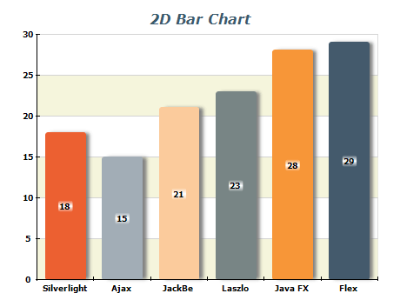
The Chart for SSRS Bar and Column Chart type displays a sequence of horizontal or vertical bars (shapes) of lengths proportional to the value that they represent. Bar charts are usually used for comparing two or more values or representing the contribution of each value to a total (stacks).
Horizontal and Vertical Bar Chart Subtypes: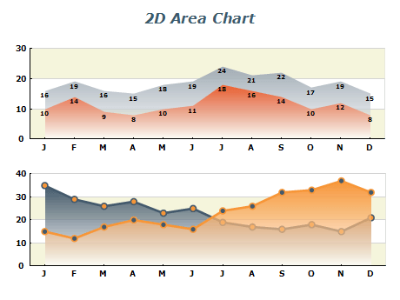
The Chart for SSRS Area Chart type displays a sequence of filled areas between the axis (or an origin line) and the value line. Area charts are usually used for comparing two or more values or representing the contribution of each value to a total (stacks), usually over time or other X measurements.
Area Chart Subtypes: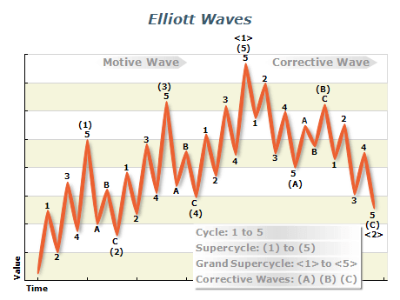
The Chart for SSRS Line Chart type displays a sequence of line segments that are sequentially connected. Line charts are usually used to show a trend or how a value contributes to a trend total (stacks), usually over time or another X measurement.
The Smooth Line Charts are similar to Line charts, the difference being that the successive data points are connected with cubic spline segments instead of straight lines.
The Step Line charts are similar to Line charts, the difference being that the successive data points are connected with horizontal and vertical segments instead of straight lines.
Line Chart Subtypes:
The Chart for SSRS Pie Chart type is a circular chart divided into sectors, where the arc length of each sector is proportional to the quantity it represents. Pie Charts support the following labeling modes - Center, Rim, Spider, and Non-Overlapping.
Pie Chart Shapes: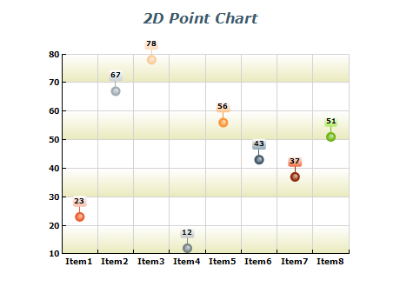
The Chart for SSRS Point charts displays 1, 2, or 3-dimensional data as points in a Cartesian coordinate system. They are often used for XY and XYZ scatter plots, especially when a large number of data points need to be displayed.
Point Chart Subtypes: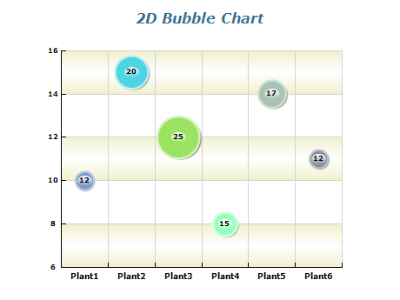
The Chart for SSRS Bubble charts displays multi-dimensional data as points in a Cartesian coordinate system. The size of each point is determined by an additional size value. The actual size of the bubble is interpolated to be in the MinSize - MaxSize range.
Bubble Chart Subtypes: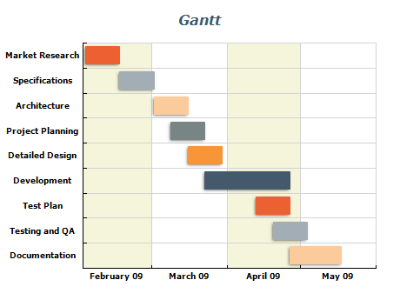
The Chart for SSRS Floating Bar charts displays a sequence of vertical bars, each bar representing a one-dimensional value range. A Floating Bar chart can be used as a Gantt chart if the Y-axis is in date-time scale mode. Gantt charts are popular in project management for planning the use of resources over time.
Float Bar Chart Subtypes:
The Chart for SSRS High-Low charts displays a sequence of data points, each representing a one-dimensional value range. The beginning values of consecutive data points are connected with a "low" line. The end values are connected with a "high" line. The area between these two lines is filled with different colors, depending on whether the "high" line runs above or below the "low" line.
High-Low Chart Subtypes: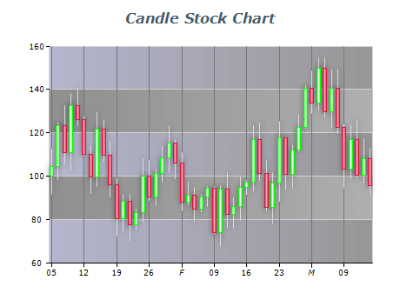
The Chart for SSRS Stock charts is used to plot stock data, usually over time. Stock charts use color coding to distinguish between stock prices, which went up or down when the stock closed.
Stock Chart Subtypes:
The Chart for SSRS Funnel chart is similar to a Stacked Percent Bar Chart with only one category. It represents 100% of the summary values for the data items included in the chart. Funnel Charts are often used to represent stages in a sales process and show the amount of potential revenue for each stage. This type of chart can also be useful in identifying potential problem areas in an organization's sales processes.
Funnel Chart settings include labeling modes, neck width, neck height, and points gap.
The Chart for SSRS Radar chart plots the values of each category along a separate axis that radiates from the center of the chart and ends on the outer ring. A line connects all the values from the same series, and optionally, the area enclosed by the line can be filled.
Radar Chart Subtypes: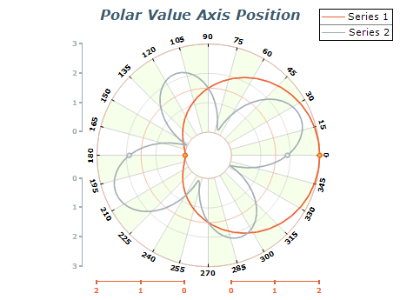
The Chart for SSRS Polar charts displays 2-dimensional data points in a polar coordinate system. The position of a point is specified by its distance from the center and a rotation angle. The points are connected by a line, and optionally the area enclosed by the line can be filled.
Polar Chart Subtypes: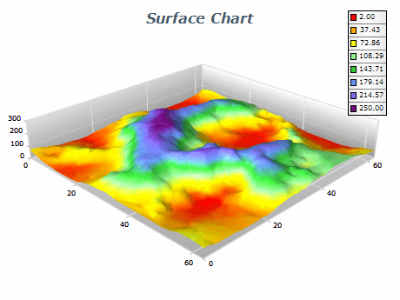
The Chart for SSRS Surface charts displays a surface connecting the adjacent data points. Options for zone filling, zone outlining, and palette generation is available.
Surface Chart Subtypes: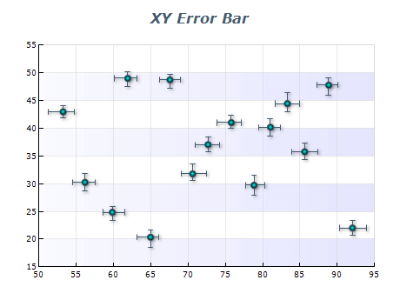
The Chart for SSRS Error Bar charts is often used to indicate an estimated error in a measurement. The chart type includes Series, XY Scatter, and XYZ Scatter subtypes with options on whether to display X, Y, or Z errors.
Error Bar Chart Subtypes: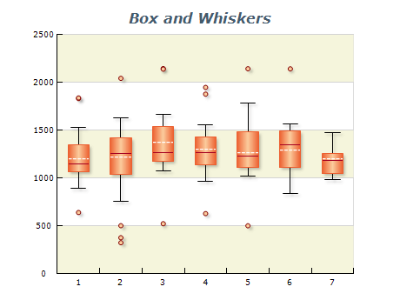
The Chart for SSRS Box And Whiskers charts are very helpful in interpreting the distribution of data.
Box And Whiskers Chart Subtypes:
The Chart for SSRS Vector charts display arrows in 2D or 3D space and are often used to display force fields.
Vector Chart Subtypes: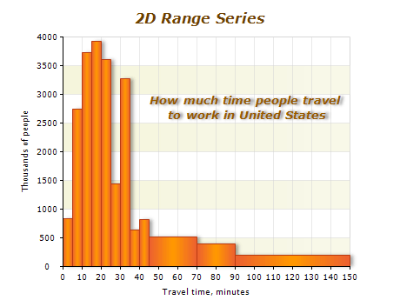
The Chart for SSRS Range charts displays 2D or 3D boxes defined by begin - end values. They can be used for the display of histograms, bars with custom sizes, 3D ranges, etc.
Range Chart Subtypes: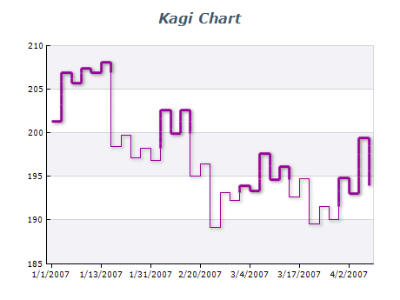
The Chart for SSRS Kagi charts displays a series of vertical lines to illustrate general levels of supply and demand for certain assets.
Kagi Chart Subtypes: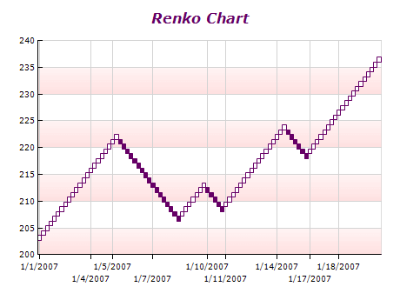
The Chart for SSRS Renko charts display a series of white and black boxes (bricks) to illustrate general price movement and trend reversals.
Renko Chart Subtypes:
The Chart for SSRS Three Line Break charts displays a series of vertical boxes ("lines") that are based on changes in prices.
Three Line Break Chart Subtypes:
The Chart for SSRS Point and Figure charts display a series of columns that are made up of 'X' or 'O' signs.
Point and Figure Chart Subtypes: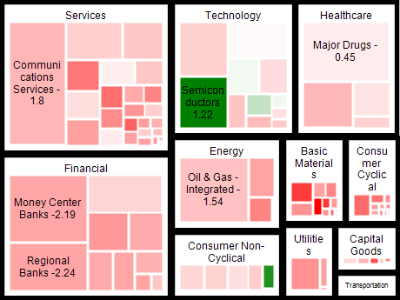
Tree maps display hierarchical (tree-structured) data as a set of nested rectangles. Tree maps allow you to easily see patterns that would be difficult to spot in other ways, such as if a certain color is particularly relevant. The second advantage of tree maps is that, by construction, they make efficient use of space. As a result, they can legibly display thousands of items on the screen simultaneously.

The Chart for SSRS Combo charts is used to combine certain series types within the same chart area. Series types are specified per values data groupings. There are many per series type options. You can combine the following series types: Bar, Area, Smooth Area, Line, Smooth Line, Step Line, Point, Bubble, High Low, Stock, Error Bar, Box and Whiskers, Vector, Range, and Float Bar.
Combo Charts Subtypes:

