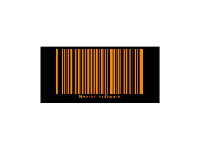
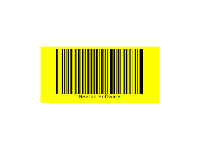
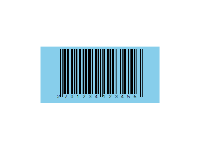
|
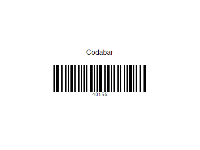
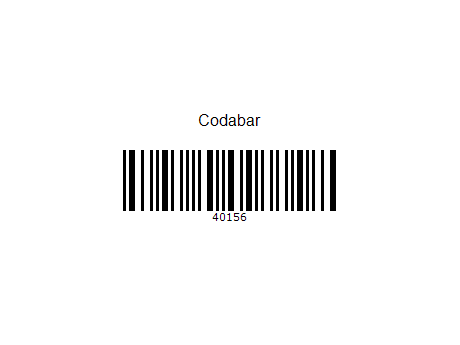 | Codabar is a linear barcode symbology. It and its variants are also known as Codeabar, Ames Code, NW-7, Monarch, Code 2 of 7, Rationalized Codabar, ANSI/AIM BC3-1995 or USD-4. It was designed to be accurately read even when printed on dot-matrix printers for multi-part forms such as FedEx air bills and blood bank forms. |
|
|
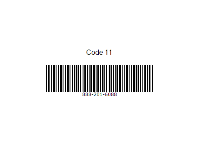
Code 11 is a barcode symbology developed by Intermec in 1977. It is used primarily in telecommunications. The symbol can encode any length string consisting of the digits 0-9 and the dash character (-). One or more modulo-11 check digit(s) can be included. | 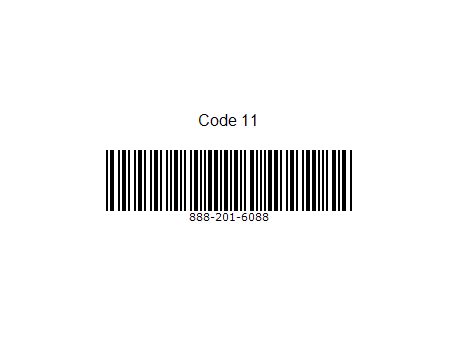 |
|
|
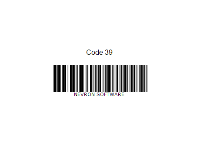
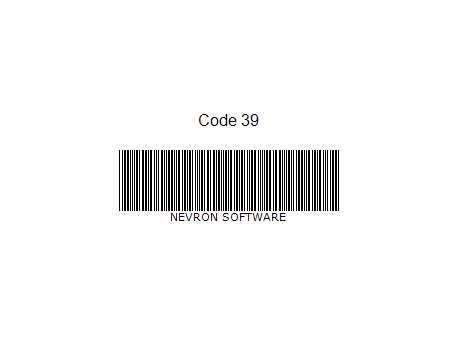 | Code 39 (also known as Alpha39, Code 3 of 9, Code 3/9, Type 39, USS Code 39, or USD-3) is a variable length, discrete barcode symbology. The specification defines 43 characters, consisting of uppercase letters (A through Z), numeric digits (0 through 9) and a number of special characters (-, ., $, /, +, %, and space). An additional character (denoted '*') is used for start/stop delimiters. |
|
|
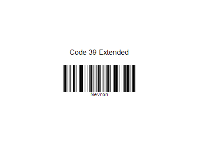
Code 39 Extended supports all ASCII 128 characters by using double character encoding. | 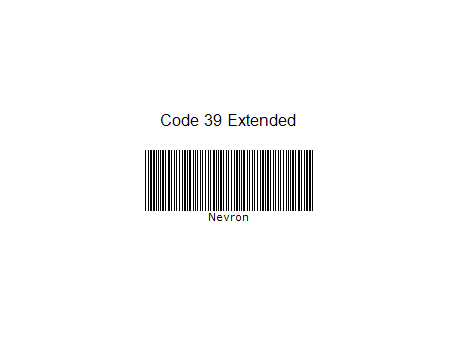 |
|
|
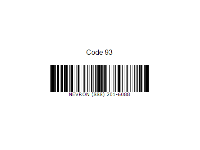
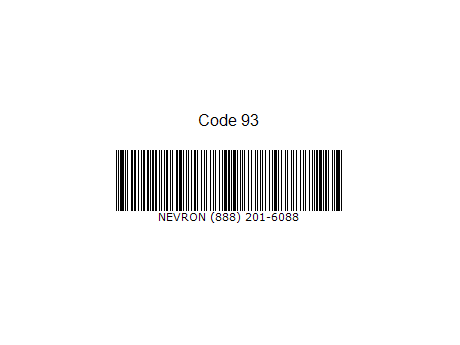 | Code 93 is a barcode symbology designed to provide a higher density and data security enhancement to Code 39. It is an alphanumeric, variable length symbology. Code 93 is used primarily by Canada Post to encode supplementary delivery information. Every symbol includes two check characters. |
|
|
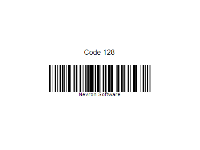
Code 128 is a very high-density barcode symbology. It is used for alphanumeric or numeric-only barcodes. It can encode all 128 characters of ASCII and, by use of an extension character (FNC4), the Latin-1 characters defined in ISO/IEC 8859-1. | 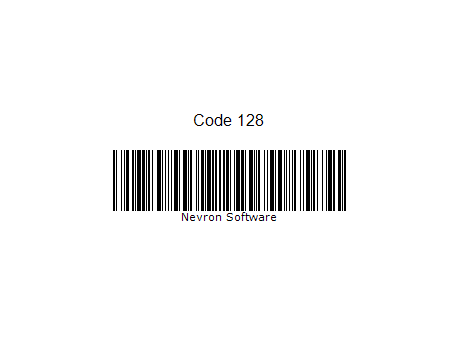 |
|
|
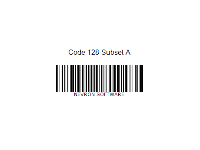
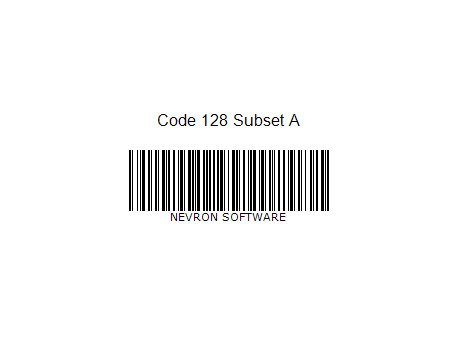 | Code 128 Subset A supports numbers, upper-case letters, and control characters, such as tab and new-line (ASCII characters 00 to 95 (0-9, A-Z and control codes), special characters, and FNC 1-4). |
|
|
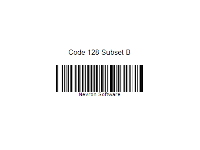
Code 128 Subset B supports numbers, upper- and lower-case letters (ASCII characters 32 to 127 (0-9, A-Z, a-z), special characters, and FNC 1-4). | 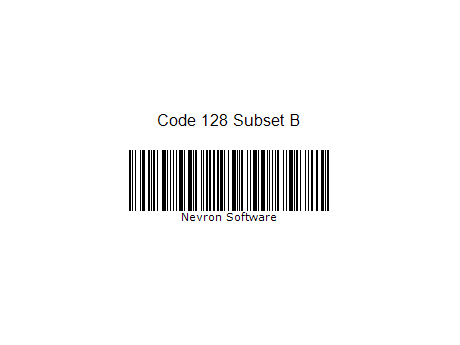 |
|
|
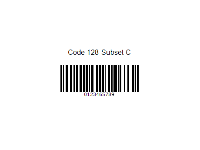
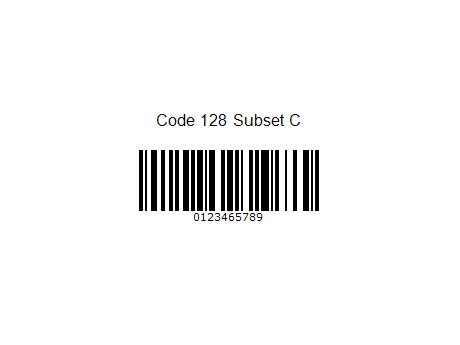 | Code 128 Subset C supports numbers only (00-99 (encodes each two digits with one code) and FNC1). |
|
|
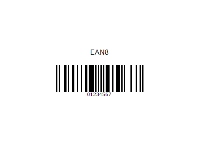
An EAN-8 is a barcode and is derived from the longer European Article Number (EAN-13) code. It was introduced for use on small packages where an EAN-13 barcode would be too large; for example on cigarettes, pencils (though it is rarely used for pencils), and chewing gum packets. | 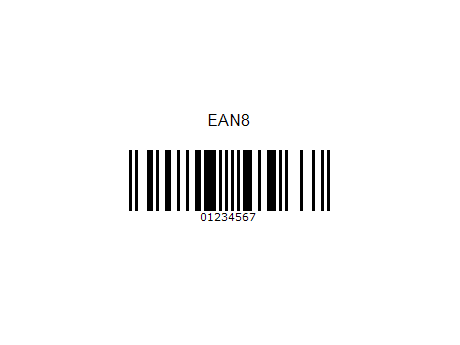 |
|
|
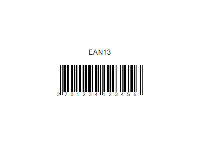
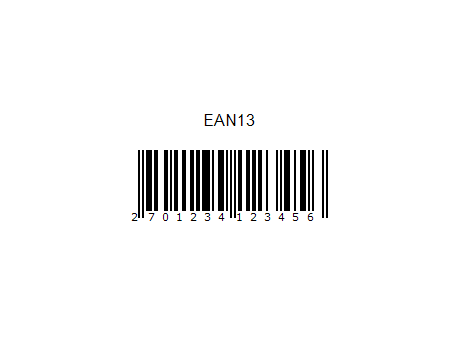 | An EAN-13 barcode (originally European Article Number, but now renamed International Article Number even though the abbreviation EAN has been retained) is a 13 digit (12 data and 1 check) barcoding standard which is a superset of the original 12-digit Universal Product Code (UPC) system developed in the United States. |
|
|
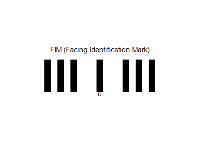
The Facing Identification Mark, or FIM, is a bar code designed by the United States Postal Service to assist in the automated processing of mail. The FIM is a set of vertical bars printed on the envelope or postcard near the upper edge, just to the left of the postage area (the area where the postage stamp or its equivalent is placed). | 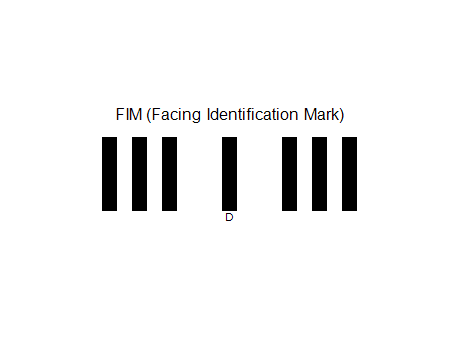 |
|
|
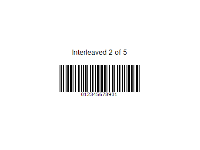
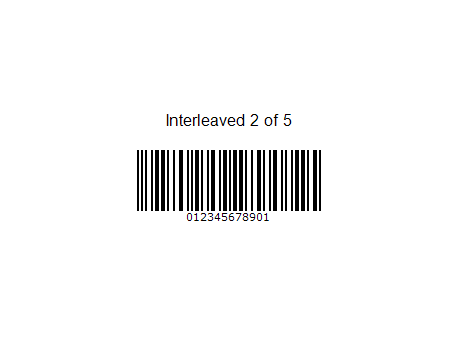 | Interleaved 2 of 5 (ITF, from Interleaved Two of Five) is a continuous two-width barcode symbology encoding digits. It is used commercially on 135 film, for ITF-14 barcodes, and on cartons of some products, while the products inside are labeled with UPC or EAN. |
|
|
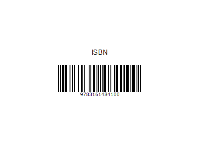
The International Standard Book Number (ISBN) is a unique numeric commercial book identifier based upon the 9-digit Standard Book Numbering (SBN) code. The 10-digit ISBN format was developed by the International Organization for Standardization (ISO) and was published in 1970 as international standard ISO 2108. Since 1 January 2007, ISBNs have contained 13 digits. | 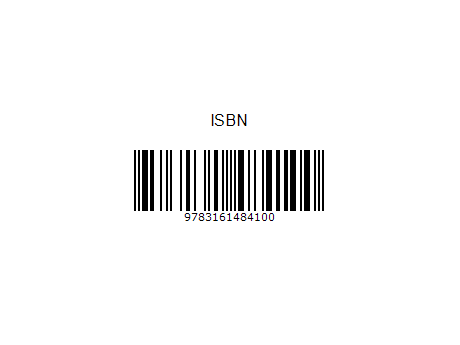 |
|
|
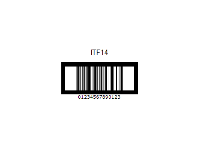
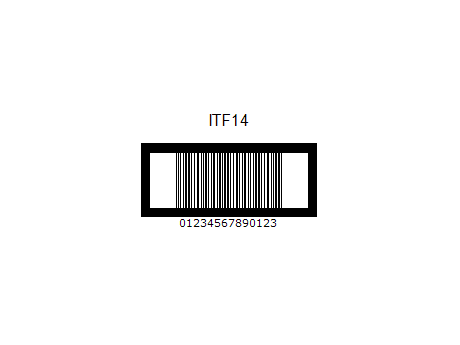 | ITF-14 (Interleaved Two of Five) is the GS1 implementation of an Interleaved 2 of 5 bar code to encode a Global Trade Item Number. ITF-14 symbols are generally used on packaging levels of a product, such as a case box of 24 cans of soup. The ITF-14 will always encode 14 digits. |
|
|
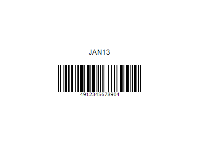
This Symbology is also known as Japanese Article Number 13, JAN-13 Supplement 5/Five-digit Add-On, JAN-13 Supplement 2/Two-digit Add-On, JAN-13+5, JAN-13+2, JAN13, JAN13+5, JAN13+2. JAN-13 (Japanese Article Numbering) barcode Symbology is another name for EAN-13 barcode Symbology. For JAN barcodes the first two digits must be 45 or 49 which identifies Japan. | 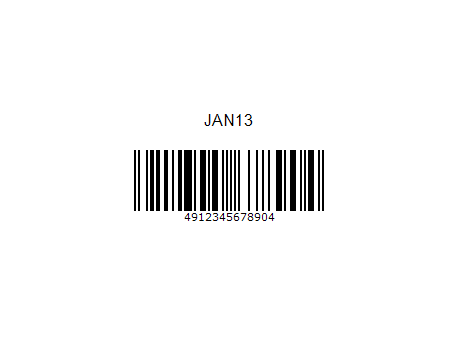 |
|
|
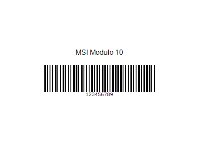
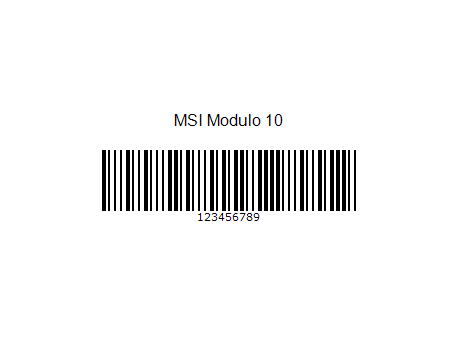 | MSI (also known as Modified Plessey) is a barcode symbology developed by the MSI Data Corporation, based on the original Plessey Code symbology. It is a continuous symbology that is not self-checking. MSI is used primarily for inventory control, marking storage containers and shelves in warehouse environments. |
|
|
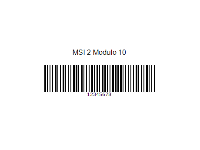
The "2 Modulo 10" method essentially means the MSI bar code has two Modulo 10 checksum digits. The first Modulo 10 checksum digit is calculated as described above and appended to the bar code. | 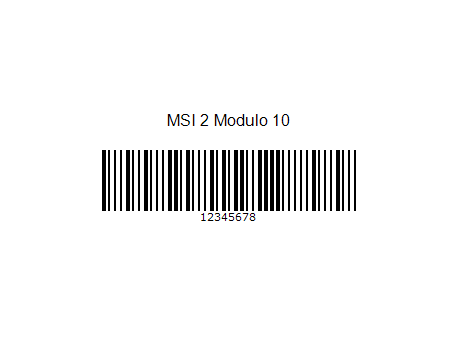 |
|
|
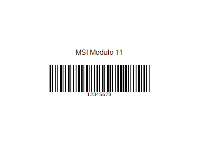
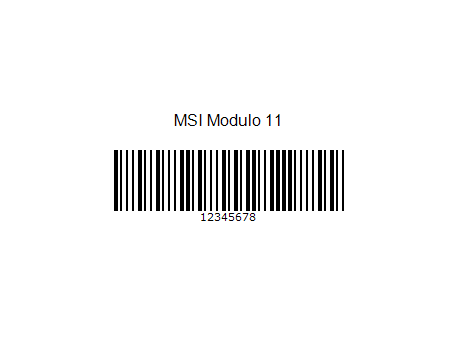 | Another method used to calculate a check digit is a Modulo 11 approach. This approach is significantly different than the method used to calculate the Modulo 10 check digit above. |
|
|
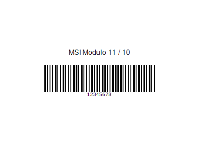
Another method that implements a double checksum involves taking the original bar code and running it through the Modulo 11 checksum digit process. The calculated checksum is then appended to the bar code. The new bar code, with the modulo 11 checksum appended, is then run through the modulo 10 checksum process. | 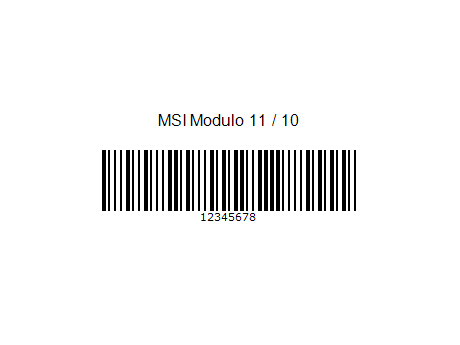 |
|
|
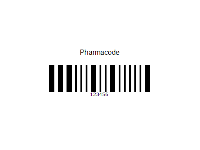
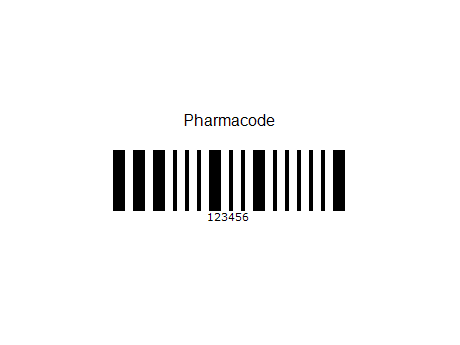 | Pharmacode, also known as Pharmaceutical Binary Code, is a barcode standard, used in the pharmaceutical industry as a packing control system. It is designed to be readable despite printing errors. It can be printed in multiple colors as a check to ensure that the remainder of the packaging is correctly printed. |
|
|
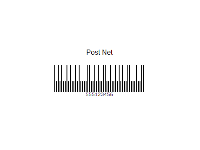
POSTNET (Postal Numeric Encoding Technique) is a barcode symbology used by the United States Postal Service to assist in directing mail. The ZIP Code or ZIP+4 code is encoded in half- and full-height bars.[1] Most often, the delivery point is added, usually being the last two digits of the address or PO box number. | 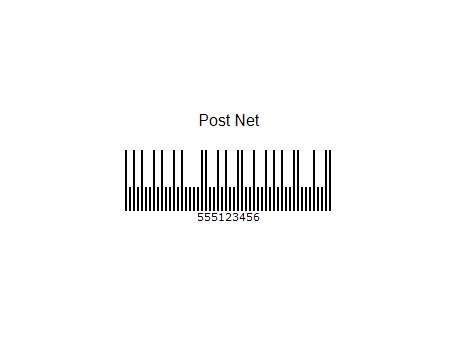 |
|
|
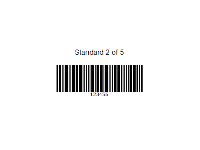
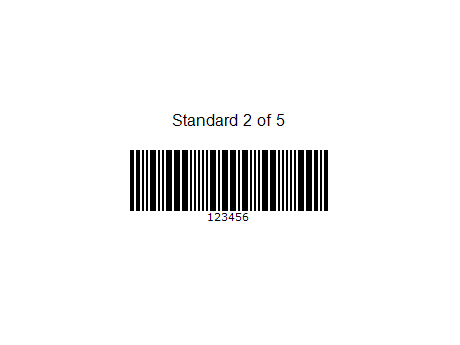 | Standard 2 of 5 is a self-checking numeric-only barcode. Unlike Interleaved 2 of 5, all of the information is encoded in the bars; the spaces are fixed width and are used only to separate the bars. Standard 2 of 5 is used primarily for warehouse sorting, photo finishing, and airline ticket marking. |
|
|
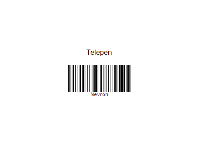
Telepen is a name of a barcode symbology designed in 1972 in the UK to express all 128 ASCII characters without using shift characters for code switching, and using only two different widths for bars and spaces (unlike Code 128, which uses shifts and four different element widths). | 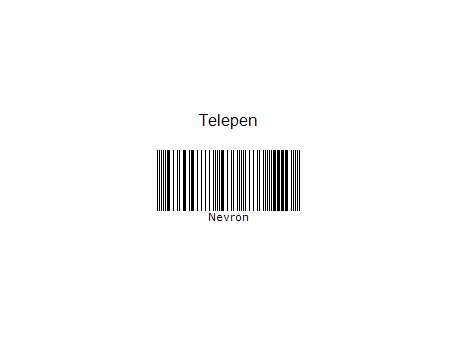 |
|
|
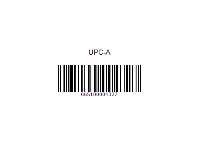
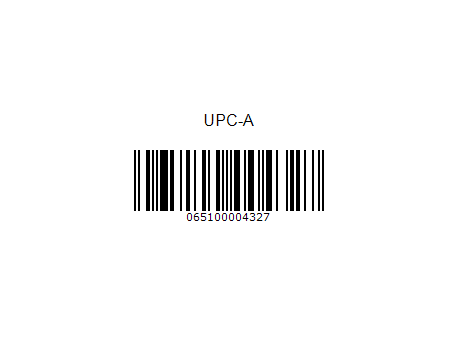 | The Universal Product Code (UPC) is a barcode symbology (i.e., a specific type of barcode) that is widely used in the United States, Canada, the United Kingdom, Australia, New Zealand and in other countries for tracking trade items in stores. Its most common form, the UPC-A, consists of 12 numerical digits, which are uniquely assigned to each trade item. |
|
|
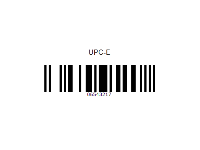
To allow the use of UPC barcodes on smaller packages where a full 12-digit barcode may not fit, a 'zero-suppressed' version of UPC was developed called UPC-E, in which the number system digit and all trailing zeros in the manufacturer code and all leading zeros in the product code are suppressed (omitted). | 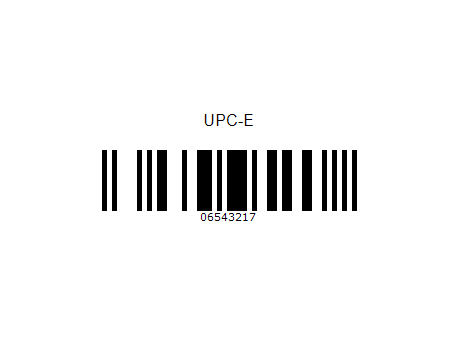 |
|
|
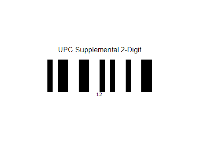
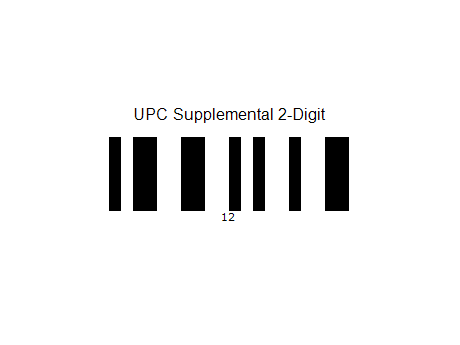 | 2-digit supplemental bar codes should only be used with magazines, newspapers and other such periodicals. The 2-digit supplement represents the issue number of the magazine. This is useful so that the product code itself (contained in the main bar code) is constant for the magazine such that each issue of the magazine doesn't have to have its own unique bar code. |
|
|
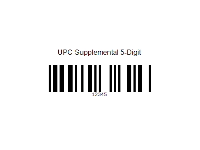
5-digit supplemental bar codes are used on books to indicate a suggested retail price. The first digit of the supplement indicates the currency in which the price is expressed. A "0" represents a price expressed in British Pounds whereas a "5" represents a price expressed in U.S. dollars. The remaining 4 digits of the supplement indicate the price. | 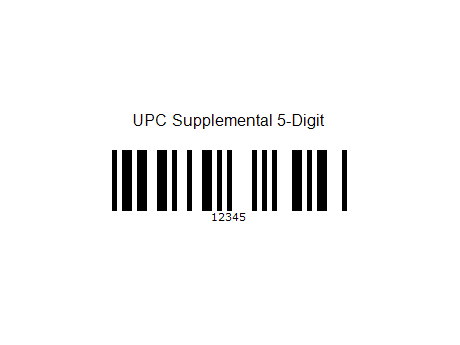 |
|
|
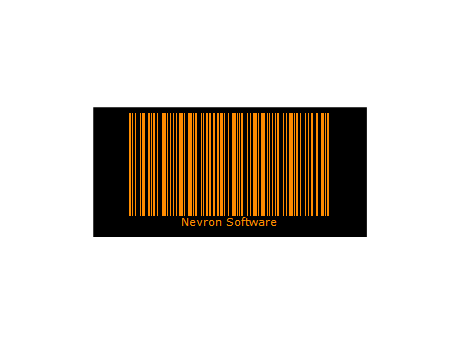 | You can control the background color as well as the color fill style of the Barcode. |
|
|
You can control the background color as well as the color fill style of the Barcode. | 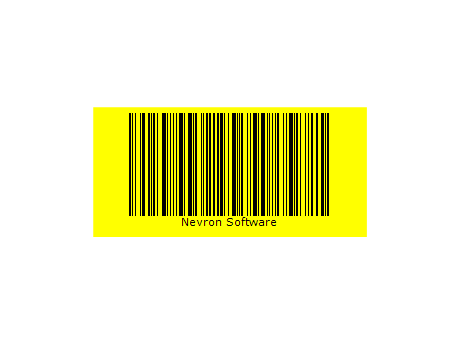 |
|
|
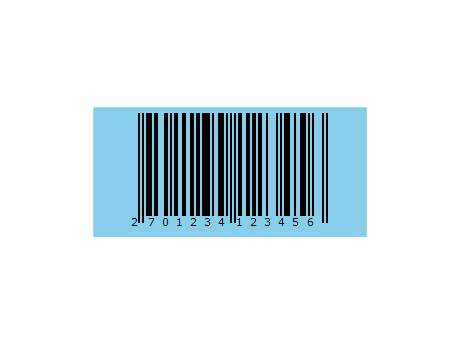 | You can control the background color as well as the color fill style of the Barcode. |
|
|

 Open Vision for .NET
 NOV Chart for .NET
 NOV Diagram for .NET
 NOV Rich Text Editor for .NET
 NOV Grid for .NET
 NOV Schedule for .NET
 NOV Gauge for .NET
 NOV Barcode for .NET
 NOV User Interface for .NET
 Vision for .NET
 Chart for .NET
 Diagram for .NET
 User Interface for .NET
 Vision for SSRS
 Chart for SSRS
 Gauge for SSRS
 Map for SSRS
 Barcode for SSRS
 Vision for SharePoint
 Chart for SharePoint
 Gauge for SharePoint
 Map for SharePoint
 Barcode for SharePoint