ProductsAll Products
.NET Components
 Open Vision for .NET
 NOV Chart for .NET
 NOV Diagram for .NET
 NOV Rich Text Editor for .NET
 NOV Grid for .NET
 NOV Schedule for .NET
 NOV Gauge for .NET
 NOV Barcode for .NET
 NOV User Interface for .NET
 Vision for .NET
 Chart for .NET
 Diagram for .NET
 User Interface for .NET
 Vision for SSRS
 Chart for SSRS
 Gauge for SSRS
 Map for SSRS
 Barcode for SSRS
 Vision for SharePoint
 Chart for SharePoint
 Gauge for SharePoint
 Map for SharePoint
 Barcode for SharePoint
DownloadsAll Downloads
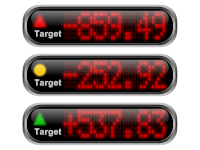
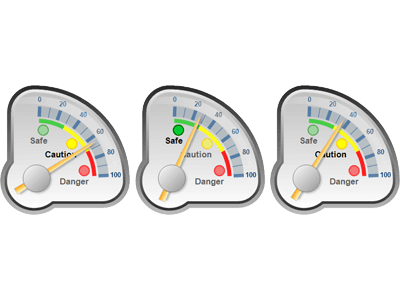
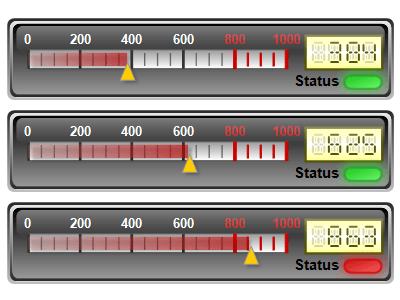
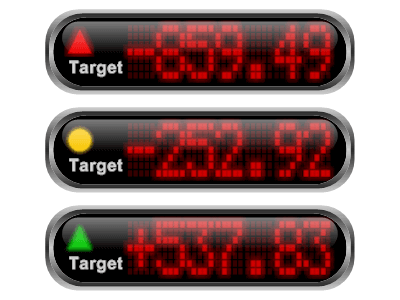
There are three distinct types of gauge indicators, each appearing in different positions within a gauge and serving a different purpose: value, range, and state indicators. Value indicators display a single value on the gauge scale. Typical value indicators include needles, markers, and knobs. Range indicators are used to highlight ranges of interest on the scale—for example, the typical safe, acceptable, and dangerous value ranges found in KPI gauges. Finally, state indicators provide a color-coded representation of a value’s status. They are often used in conjunction with value indicators and other gauge elements, such as numeric displays and linear or radial gauges, to show whether a value falls within an acceptable range or to visually alert the user when the value falls outside that range.
The control provides all functionality required to control the value/range of those indicators as well as their visual appearance. A single gauge element can contain multiple state, value, and range indicators.
| ||||||||||||
|
Avoid Clutter
Ensure the gauge is not overcrowded with too many elements, which can distract or confuse the user.
Clear Labels
Use clear, concise labels for the scale and important values.
Logical Range
Set the state indicator ranges to cover the values relevant to the application.
Intuitive Colors
Utilize colors that are intuitively understood (e.g., green for safety, red for danger).
Contrast
Ensure there is enough contrast between different color zones for clear distinction as well as sufficient contrast between the state indicator and its background.