Avoid Clutter
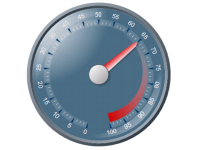
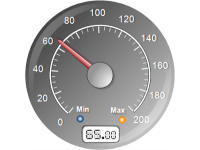
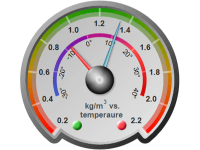
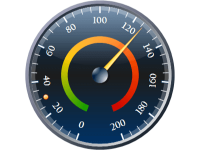
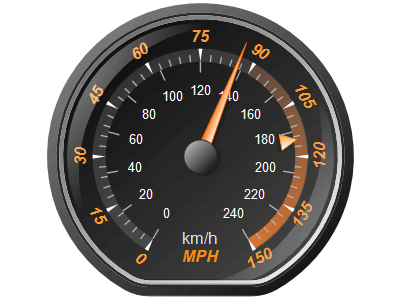
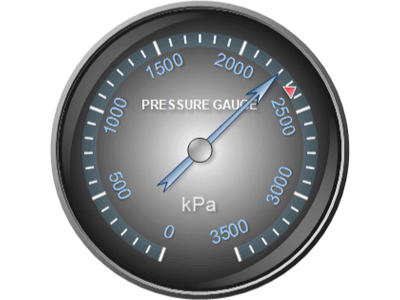
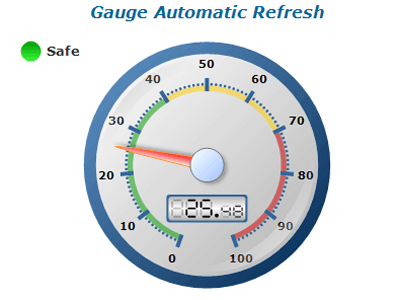
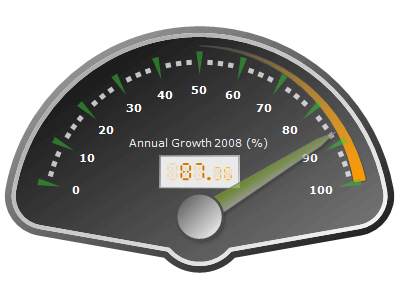
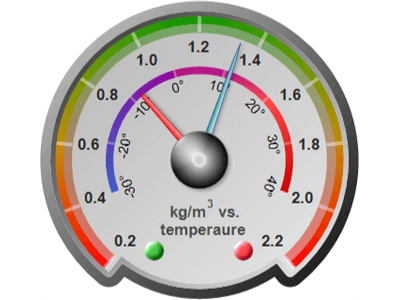
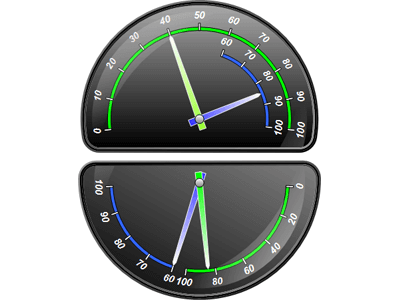
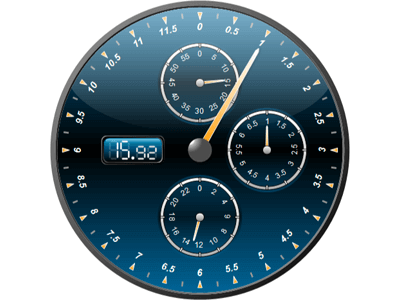
Ensure the gauge is not overcrowded with too many elements, which can distract or confuse the user.
Clear Labels
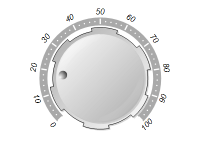
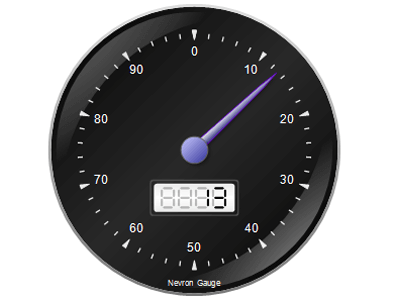
Use clear, concise labels for the scale and important values.
Logical Range
Set the scale to cover the range of values relevant to the application. Avoid overly large or small ranges that can make the gauge hard to read.
Consistent Increments
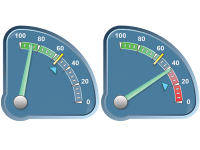
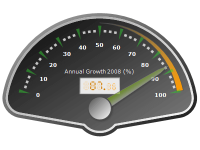
Use consistent intervals for tick marks to ensure readability and ease of interpretation.
Intuitive Colors
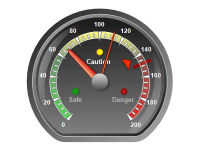
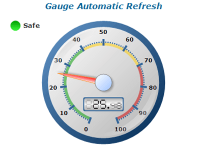
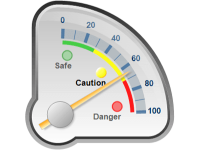
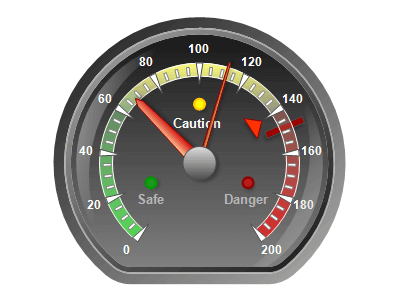
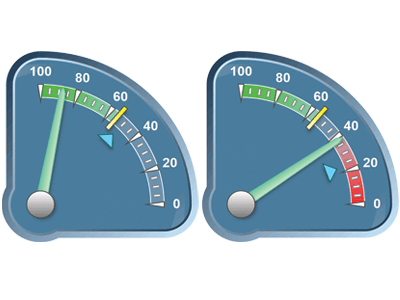
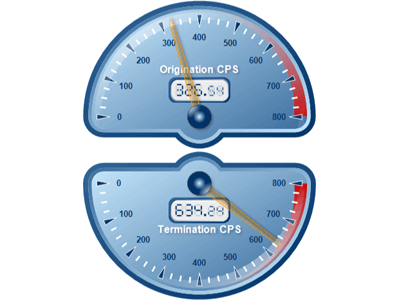
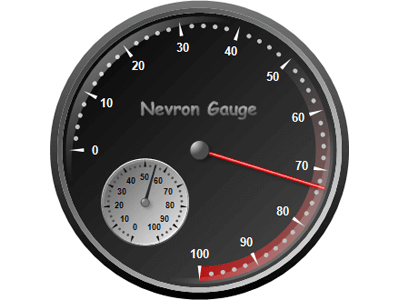
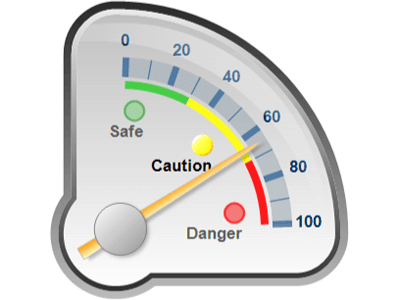
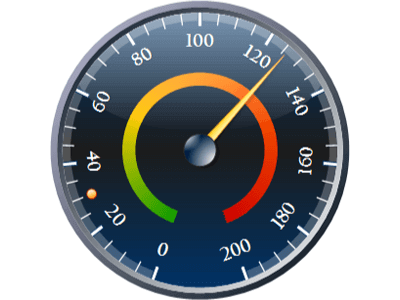
Utilize colors that are intuitively understood (e.g., green for safe, red for danger).
Contrast
Ensure there is enough contrast between different color zones for clear distinction.
Needle and Arc Design
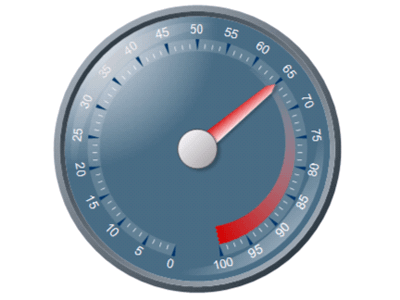
The needle should be clearly visible and distinct from the background and arc.

 Open Vision for .NET
 NOV Chart for .NET
 NOV Diagram for .NET
 NOV Rich Text Editor for .NET
 NOV Grid for .NET
 NOV Schedule for .NET
 NOV Gauge for .NET
 NOV Barcode for .NET
 NOV User Interface for .NET
 Vision for .NET
 Chart for .NET
 Diagram for .NET
 User Interface for .NET
 Vision for SSRS
 Chart for SSRS
 Gauge for SSRS
 Map for SSRS
 Barcode for SSRS
 Vision for SharePoint
 Chart for SharePoint
 Gauge for SharePoint
 Map for SharePoint
 Barcode for SharePoint