NOV Diagram for .NET - Visio Compatibility

Visio Compatibility

NOV Diagram for .NET is designed to be compatible with Microsoft Visio in many aspects. First, it is architecturally similar to Visio, and its object model is designed to follow the Visio object model and properties as closely as possible. This allows for the import and export of Visio drawings and stencils to be very accurate, thus allowing developers to provide viewing, editing, and generation of Visio drawings and stencils.
architectural similarities with Visio

Architectural Similarities with Microsoft Visio

To ensure the best possible import and export of Microsoft Visio drawings and stencils, NOV Diagram for .NET intentionally follows the object model and structure of Microsoft Visio. This led to a thorough review of the most essential Visio objects, and we have tried to duplicate the behavior and properties of Visio shapes, pages, and stencils as closely as possible.

That said, NOV Diagram for .NET is not a verbatim copy of Visio - in areas where we thought things could be improved, we always took that extra step to ensure that NOV Diagram for .NET brings Visio diagramming to the next level.

shapesheet vs formula expressions

ShapeSheet and Formula Expressions

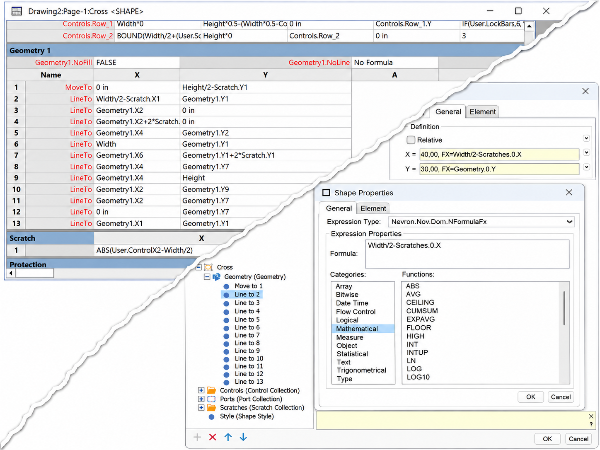
An essential part of Microsoft Visio and its core innovation and feature is the ShapeSheet. It generally allows for a part of the object model of Visio to be exposed as Excel-like formula sheets, in which property values can be recorded as functional dependencies on other properties (sheet cells). The ShapeSheet is the heart of Visio, and it allows for SmartShapes - shapes which can have smart resizing features and behavior driven by control points without additional code - just formulas.

We liked the idea of the ShapeSheet so much that we decided to elaborate on it a little further - we introduced expressions as a core concept in Nevron Open Vision. In this way, not only NOV Diagram for .NET but all products in the Open Vision suite can have Visio-like Smart Objects. That said, formula expressions - a specific type of expression which aggregates a formula - can be used to replicate the behavior of almost all Visio shapes. We have also taken special care to ensure formula compatibility between NOV, Visio, and Excel so that users of Microsoft Office products with some knowledge of formulas can feel at home writing NOV formula expressions.

visio drawing import export

Import/Export of Microsoft Visio Drawings

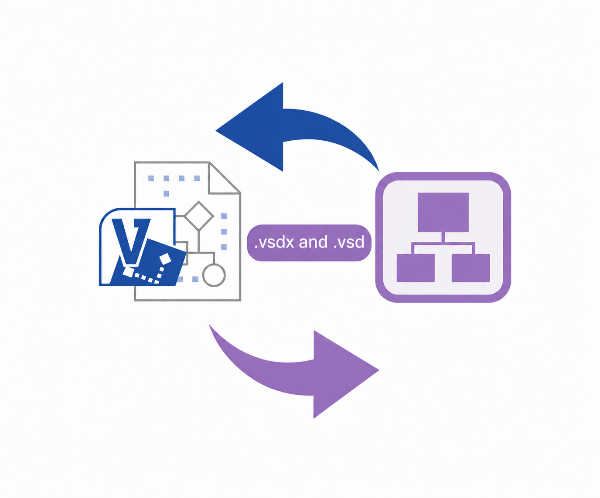
MyDraw can import and export Microsoft Visio drawings in .vsdx and .vsd formats.

Drawings imported from or exported to Microsoft Visio have nearly 100% identical shape geometries, ports, text formatting, logical connections, and many other properties. We have also tried to preserve the resizing and other smart behaviors of 2D and 1D shapes where possible.

This makes NOV Diagram for .NET the perfect viewer and generator for Microsoft Visio drawings.

visio stencil import export

Import/Export of Microsoft Visio Stencils

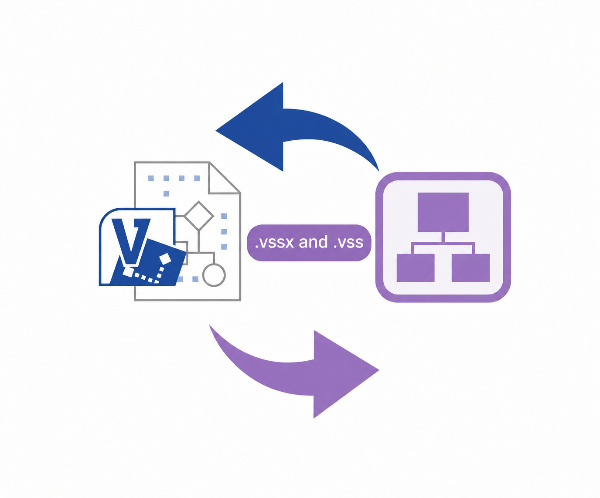
MyDraw can import and export Microsoft Visio® stencils in the .vssx and .vss formats.

Stencils imported from or exported to Microsoft Visio® have nearly 100% identical shape geometries, ports, text formatting, images, etc.

This makes it possible to use existing Microsoft Visio® stencils directly in NOV Diagram for .NET and also makes it possible to use NOV Diagram for .NET to generate Microsoft Visio® stencils.