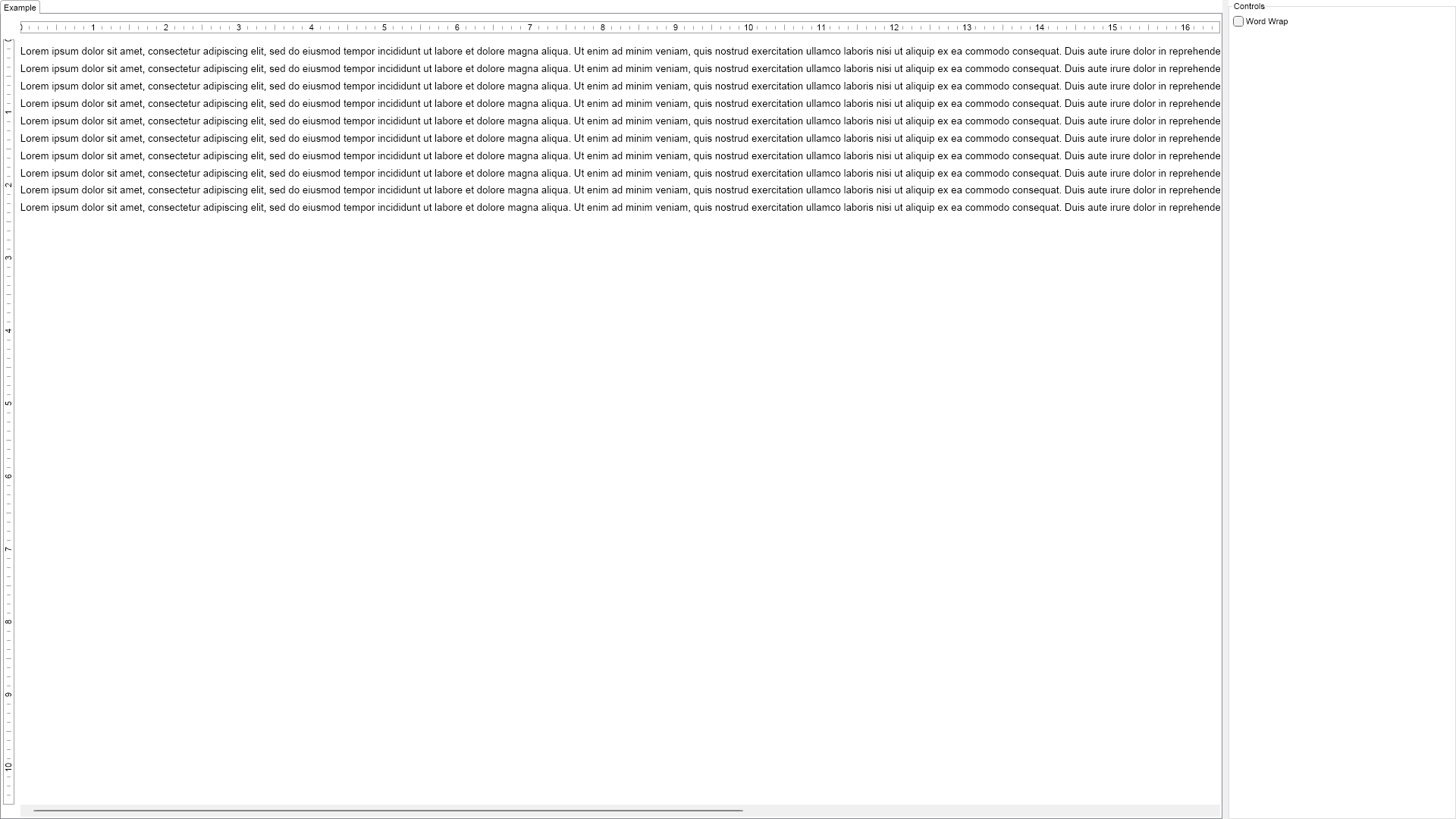
Nodepad Editor Example for Blazor

Nevron NOV RichTextEditor for Blazor ships with hundreds of examples with full source code, as part of the Nevron Open Vision Suite. All Blazor RichTextEditor examples are also available as a stand-alone Visual Studio solution in C#, which you can download from the links below.

Nodepad Editor Example for Blazor Description

The example demonstrates how to create a simple "Notepad" like editor.


Notepad Editor Example

C# Nodepad Editor Example Code for Nevron RichTextEditor for Blazor
Language: C#

using Nevron.Nov;
using Nevron.Nov.Dom;
using Nevron.Nov.Graphics;
using Nevron.Nov.Layout;
using Nevron.Nov.Text;
using Nevron.Nov.UI;
using Nevron.Nov.Windows.Forms;
using System.Windows.Forms;

namespace NovWinFormsProject
{
	public partial class Form1 : Form
	{
		#region Constructors

		public Form1()
		{
			InitializeComponent();

			// Set form title
			Text = "NOV WinForms - NNotepadEditorExample";

			// Create the NOV example and its controls
			NWidget exampleContent = CreateExampleContent();
			NWidget exampleControls = CreateExampleControls();
			if (exampleControls != null)
			{
				exampleControls.PreferredWidth = 300;
			}

			// Place the example and its controls in a pair box
			NPairBox pairBox = new NPairBox(exampleContent, exampleControls);
			pairBox.FillMode = ENStackFillMode.First;
			pairBox.FitMode = ENStackFitMode.First;
			pairBox.Margins = new NMargins(NDesign.HorizontalSpacing, NDesign.VerticalSpacing);

			// Host the example in the form
			NNovWidgetHost host = new NNovWidgetHost(pairBox);
			host.Dock = DockStyle.Fill;
			Controls.Add(host);
		}

		#endregion

		#region Example

		public NWidget CreateExampleContent()
		{
			// Create the rich text
			m_RichText = new NRichTextView();
			m_RichText.AcceptsTab = true;

			// make sure line breaks behave like a normal text box
			m_RichText.ViewSettings.ExtendLineBreakWithSpaces = false;
			m_RichText.Content.Sections.Clear();

			// set the content to web and allow only text copy paste
			m_RichText.Content.Layout = ENTextLayout.Web;
			// m_RichText.Content.Selection.ClipboardTextFormats = new NClipboardTextFormat[] { NTextClipboardTextFormat.Instance };

			// add some content
			NSection section = new NSection();

			for (int i = 0; i < 10; i++)
			{
				string text = "Lorem ipsum dolor sit amet, consectetur adipiscing elit, sed do eiusmod tempor incididunt ut labore et dolore magna aliqua. Ut enim ad minim veniam, quis nostrud exercitation ullamco laboris nisi ut aliquip ex ea commodo consequat. Duis aute irure dolor in reprehenderit in voluptate velit esse cillum dolore eu fugiat nulla pariatur. Excepteur sint occaecat cupidatat non proident, sunt in culpa qui officia deserunt mollit anim id est laborumstring.";
				section.Blocks.Add(new NParagraph(text));
			}

			m_RichText.Content.Sections.Add(section);

			m_RichText.HRuler.Visibility = ENVisibility.Visible;
			m_RichText.VRuler.Visibility = ENVisibility.Visible;

			return m_RichText;
		}
		public NWidget CreateExampleControls()
		{
			NStackPanel stack = new NStackPanel();

			m_WordWrapCheckBox = new NCheckBox("Word Wrap");
			m_WordWrapCheckBox.CheckedChanged += OnWordWrapCheckBoxCheckedChanged;
			stack.Add(m_WordWrapCheckBox);
			m_WordWrapCheckBox.Checked = false;

			OnWordWrapCheckBoxCheckedChanged(null);

			return stack;
		}
		public string GetExampleDescription()
		{
			return "

The example demonstrates how to create a simple \"Notepad\" like editor.

"; } /// /// Gets the relevant documentation links for the example /// /// public (string Name, string Url)[] GetDocumentationUrls() { return new[] { ("Rich Text Command Bars Overview", "https://www.nevron.com/docs/openvision/rich-text-command-bars-overview.html"), ("Rich Text Documents - Overview", "https://www.nevron.com/docs/openvision/rich-text-documents-overview.html"), ("Rich Text - Loading Documents", "https://www.nevron.com/docs/openvision/rich-text-loading-documents.html"), ("Rich Text - Saving Documents", "https://www.nevron.com/docs/openvision/rich-text-saving-document.html"), }; } #endregion #region Implementation #endregion #region Event Handlers private void OnWordWrapCheckBoxCheckedChanged(NValueChangeEventArgs arg) { m_RichText.Content.WrapMinWidth = m_WordWrapCheckBox.Checked; m_RichText.Content.WrapDesiredWidth = m_WordWrapCheckBox.Checked; } #endregion #region Fields private NRichTextView m_RichText; private NCheckBox m_WordWrapCheckBox; #endregion #region Static Methods #endregion #region Constants #endregion #region Nested Types #endregion } }

Download a fully functional C# (.cs) Nodepad Editor Example for Blazor Solution