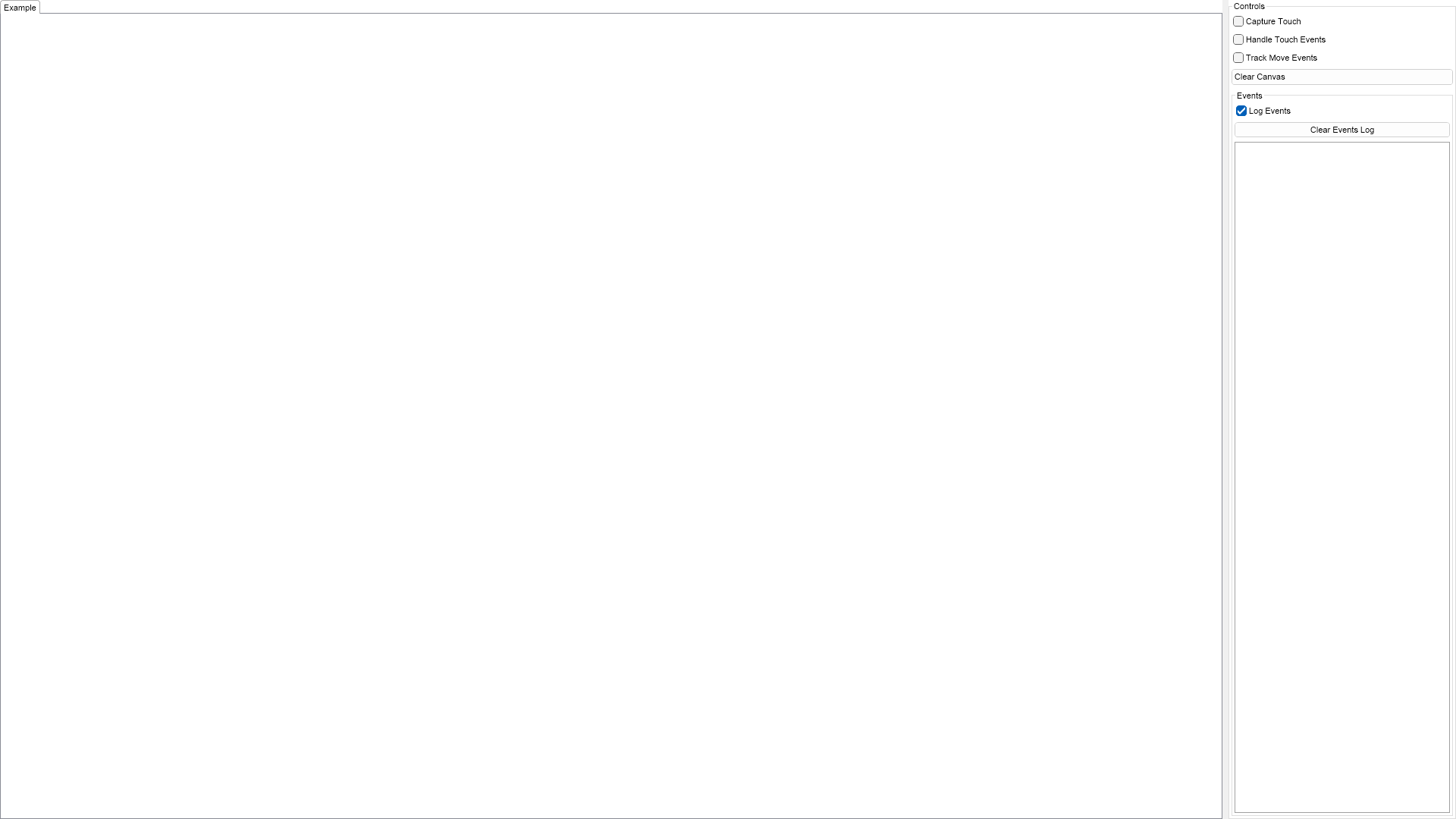
Demonstrates the core touch support in NOV. Use your fingers to draw on the canvas and explore the touch events that NOV sends to the application. Note that touch input is only available to touch enabled enviroments.

| Language: C# |
using Nevron.Nov;
using Nevron.Nov.DataStructures;
using Nevron.Nov.Dom;
using Nevron.Nov.Graphics;
using Nevron.Nov.Layout;
using Nevron.Nov.UI;
using Nevron.Nov.Windows.Forms;
using System;
using System.Windows.Forms;
namespace NovWinFormsProject
{
public partial class Form1 : Form
{
#region Constructors
public Form1()
{
InitializeComponent();
// Set form title
Text = "NOV WinForms - NTouchSupportExample";
// Create the NOV example and its controls
NWidget exampleContent = CreateExampleContent();
NWidget exampleControls = CreateExampleControls();
if (exampleControls != null)
{
exampleControls.PreferredWidth = 300;
}
// Place the example and its controls in a pair box
NPairBox pairBox = new NPairBox(exampleContent, exampleControls);
pairBox.FillMode = ENStackFillMode.First;
pairBox.FitMode = ENStackFitMode.First;
pairBox.Margins = new NMargins(NDesign.HorizontalSpacing, NDesign.VerticalSpacing);
// Host the example in the form
NNovWidgetHost host = new NNovWidgetHost(pairBox);
host.Dock = DockStyle.Fill;
Controls.Add(host);
}
#endregion
#region Example
public NWidget CreateExampleContent()
{
m_Canvas = new NCanvas();
m_Canvas.PrePaint += OnCanvasPrePaint;
// subscribe for touch events
m_Canvas.TouchDown += OnCanvasTouchDown;
m_Canvas.TouchMove += OnCanvasTouchMove;
m_Canvas.TouchUp += OnCanvasTouchUp;
// subscribe for mouse events
m_Canvas.MouseDown += OnCanvasMouseDown;
m_Canvas.MouseUp += OnCanvasMouseUp;
m_Canvas.MouseMove += OnCanvasMouseMove;
return m_Canvas;
}
public NWidget CreateExampleControls()
{
NStackPanel stack = new NStackPanel();
stack.FitMode = ENStackFitMode.Last;
stack.FillMode = ENStackFillMode.Last;
// capture touch check
m_CaptureTouchCheck = new NCheckBox("Capture Touch");
stack.Add(m_CaptureTouchCheck);
// handle touch events check
m_HandleTouchEventsCheck = new NCheckBox("Handle Touch Events");
stack.Add(m_HandleTouchEventsCheck);
// track move events
m_LogMoveEventsCheck = new NCheckBox("Track Move Events");
stack.Add(m_LogMoveEventsCheck);
// Create clear canvas button
NButton clearCanvasButton = new NButton("Clear Canvas");
clearCanvasButton.Click += clearCanvas_Click;
stack.Add(clearCanvasButton);
// Create the events log
m_EventsLog = new NExampleEventsLog();
stack.Add(m_EventsLog);
return stack;
}
public string GetExampleDescription()
{
return @"
Demonstrates the core touch support in NOV. Use your fingers to draw on the canvas and explore the touch events that NOV sends to the application.
Note that touch input is only available to touch enabled enviroments.
";
}
///
/// Gets the relevant documentation links for the example
///
///
public (string Name, string Url)[] GetDocumentationUrls()
{
return new[]
{
("Touch Input", "https://www.nevron.com/docs/openvision/ui-touch-input.html"),
("User Input", "https://www.nevron.com/docs/openvision/ui-user-input.html"),
};
}
#endregion
#region Implementation
#endregion
#region Event Handlers
void OnCanvasPrePaint(NPaintEventArgs arg)
{
for (int i = 0; i < m_TouchPoints.Count; i++)
{
m_TouchPoints[i].Paint(arg.PaintVisitor);
}
}
void OnCanvasTouchUp(NTouchActionEventArgs arg)
{
AddTouchPoint(arg);
m_EventsLog.LogEvent("Touch Up");
if (m_HandleTouchEventsCheck.Checked)
{
arg.Cancel = true;
}
}
void OnCanvasTouchMove(NTouchActionEventArgs arg)
{
AddTouchPoint(arg);
if (m_LogMoveEventsCheck.Checked)
{
m_EventsLog.LogEvent("Touch Move");
}
if (m_HandleTouchEventsCheck.Checked)
{
arg.Cancel = true;
}
}
void OnCanvasTouchDown(NTouchActionEventArgs arg)
{
AddTouchPoint(arg);
m_EventsLog.LogEvent("Touch Down");
if (m_CaptureTouchCheck.Checked)
{
m_Canvas.CaptureTouch(arg.Device);
m_EventsLog.LogEvent("Captured");
}
if (m_HandleTouchEventsCheck.Checked)
{
arg.Cancel = true;
}
}
void OnCanvasMouseMove(NMouseEventArgs arg)
{
if (m_LogMoveEventsCheck.Checked)
{
m_EventsLog.LogEvent("Mouse Move");
}
}
void OnCanvasMouseUp(NMouseButtonEventArgs arg)
{
m_EventsLog.LogEvent("Mouse Up");
}
void OnCanvasMouseDown(NMouseButtonEventArgs arg)
{
m_EventsLog.LogEvent("Mouse Down");
}
void AddTouchPoint(NTouchActionEventArgs arg)
{
m_TouchPoints.Add(new NTouchPoint(arg.TargetPosition, arg.ScreenSize, arg.DeviceState));
m_Canvas.InvalidateDisplay();
}
void clearCanvas_Click(NEventArgs arg)
{
m_TouchPoints.Clear();
m_Canvas.InvalidateDisplay();
}
#endregion
#region Fields
NCheckBox m_CaptureTouchCheck;
NCheckBox m_HandleTouchEventsCheck;
NCheckBox m_LogMoveEventsCheck;
NCanvas m_Canvas;
NExampleEventsLog m_EventsLog;
NList m_TouchPoints = new NList();
#endregion
#region Static Methods
#endregion
#region Constants
private const string EnglishLanguageName = "English (US)";
private const string BulgarianLanguageName = "Bulgarian";
private const string GermanLanguageName = "German";
#endregion
#region Nested Types
#endregion
}
} | Language: VB.NET |
Imports Nevron.Nov
Imports Nevron.Nov.DataStructures
Imports Nevron.Nov.Dom
Imports Nevron.Nov.Graphics
Imports Nevron.Nov.Layout
Imports Nevron.Nov.UI
Imports Nevron.Nov.Windows.Wpf
Imports System
Class MainWindow
#Region "Constructors"
Public Sub New()
' This call is required by the designer.
InitializeComponent()
' Add any initialization after the InitializeComponent() call.
' Set form title
Title = "NOV WPF - NTouchSupportExample"
' Create the NOV example and its controls
Dim exampleContent As NWidget = CreateExampleContent()
Dim exampleControls As NWidget = CreateExampleControls()
If Not exampleControls Is Nothing Then
exampleControls.PreferredWidth = 300
End If
' Place the example and its controls in a pair box
Dim pairBox As NPairBox = New NPairBox(exampleContent, exampleControls)
pairBox.FillMode = ENStackFillMode.First
pairBox.FitMode = ENStackFitMode.First
pairBox.Margins = New NMargins(NDesign.HorizontalSpacing, NDesign.VerticalSpacing)
' Host the example in the form
Dim host As NNovWidgetHost(Of NWidget) = New NNovWidgetHost(Of NWidget)(pairBox)
Content = host
End Sub
#End Region
#Region "Example"
Public Function CreateExampleContent() As NWidget
m_Canvas = New NCanvas()
Me.m_Canvas.PrePaint += AddressOf OnCanvasPrePaint
' subscribe for touch events
Me.m_Canvas.TouchDown += AddressOf OnCanvasTouchDown
Me.m_Canvas.TouchMove += AddressOf OnCanvasTouchMove
Me.m_Canvas.TouchUp += AddressOf OnCanvasTouchUp
' subscribe for mouse events
Me.m_Canvas.MouseDown += AddressOf OnCanvasMouseDown
Me.m_Canvas.MouseUp += AddressOf OnCanvasMouseUp
Me.m_Canvas.MouseMove += AddressOf OnCanvasMouseMove
Return m_Canvas
End Function
Public Function CreateExampleControls() As NWidget
Dim stack As NStackPanel = New NStackPanel()
stack.FitMode = ENStackFitMode.Last
stack.FillMode = ENStackFillMode.Last
' capture touch check
m_CaptureTouchCheck = New NCheckBox("Capture Touch")
stack.Add(m_CaptureTouchCheck)
' handle touch events check
m_HandleTouchEventsCheck = New NCheckBox("Handle Touch Events")
stack.Add(m_HandleTouchEventsCheck)
' track move events
m_LogMoveEventsCheck = New NCheckBox("Track Move Events")
stack.Add(m_LogMoveEventsCheck)
' Create clear canvas button
Dim clearCanvasButton As NButton = New NButton("Clear Canvas")
clearCanvasButton.Click += AddressOf clearCanvas_Click
stack.Add(clearCanvasButton)
' Create the events log
m_EventsLog = New NExampleEventsLog()
stack.Add(m_EventsLog)
Return stack
End Function
Public Function GetExampleDescription() As String
Return "
Demonstrates the core touch support in NOV. Use your fingers to draw on the canvas and explore the touch events that NOV sends to the application.
Note that touch input is only available to touch enabled enviroments.
"
End Function
'''
''' Gets the relevant documentation links for the example
'''
'''
Public Function GetDocumentationUrls() As (String, String)()
Return {("Touch Input", "https://www.nevron.com/docs/openvision/ui-touch-input.html"), ("User Input", "https://www.nevron.com/docs/openvision/ui-user-input.html")}
End Function
#End Region
#Region "Implementation"
#End Region
#Region "Event Handlers"
Private Sub OnCanvasPrePaint(arg As NPaintEventArgs)
For i = 0 To m_TouchPoints.Count - 1
m_TouchPoints(i).Paint(arg.PaintVisitor)
Next
End Sub
Private Sub OnCanvasTouchUp(arg As NTouchActionEventArgs)
AddTouchPoint(arg)
m_EventsLog.LogEvent("Touch Up")
If m_HandleTouchEventsCheck.Checked Then
arg.Cancel = True
End If
End Sub
Private Sub OnCanvasTouchMove(arg As NTouchActionEventArgs)
AddTouchPoint(arg)
If m_LogMoveEventsCheck.Checked Then
m_EventsLog.LogEvent("Touch Move")
End If
If m_HandleTouchEventsCheck.Checked Then
arg.Cancel = True
End If
End Sub
Private Sub OnCanvasTouchDown(arg As NTouchActionEventArgs)
AddTouchPoint(arg)
m_EventsLog.LogEvent("Touch Down")
If m_CaptureTouchCheck.Checked Then
m_Canvas.CaptureTouch(arg.Device)
m_EventsLog.LogEvent("Captured")
End If
If m_HandleTouchEventsCheck.Checked Then
arg.Cancel = True
End If
End Sub
Private Sub OnCanvasMouseMove(arg As NMouseEventArgs)
If m_LogMoveEventsCheck.Checked Then
m_EventsLog.LogEvent("Mouse Move")
End If
End Sub
Private Sub OnCanvasMouseUp(arg As NMouseButtonEventArgs)
m_EventsLog.LogEvent("Mouse Up")
End Sub
Private Sub OnCanvasMouseDown(arg As NMouseButtonEventArgs)
m_EventsLog.LogEvent("Mouse Down")
End Sub
Private Sub AddTouchPoint(arg As NTouchActionEventArgs)
m_TouchPoints.Add(New NTouchPoint(arg.TargetPosition, arg.ScreenSize, arg.DeviceState))
m_Canvas.InvalidateDisplay()
End Sub
Private Sub clearCanvas_Click(arg As NEventArgs)
m_TouchPoints.Clear()
m_Canvas.InvalidateDisplay()
End Sub
#End Region
#Region "Fields"
Private m_CaptureTouchCheck As NCheckBox
Private m_HandleTouchEventsCheck As NCheckBox
Private m_LogMoveEventsCheck As NCheckBox
Private m_Canvas As NCanvas
Private m_EventsLog As NExampleEventsLog
Private m_TouchPoints As NList(Of NTouchPoint) = New NList(Of NTouchPoint)()
#End Region
#Region "Static Methods"
#End Region
#Region "Constants"
Private Const EnglishLanguageName As String = "English (US)"
Private Const BulgarianLanguageName As String = "Bulgarian"
Private Const GermanLanguageName As String = "German"
#End Region
#Region "Nested Types"
#End Region
End Class