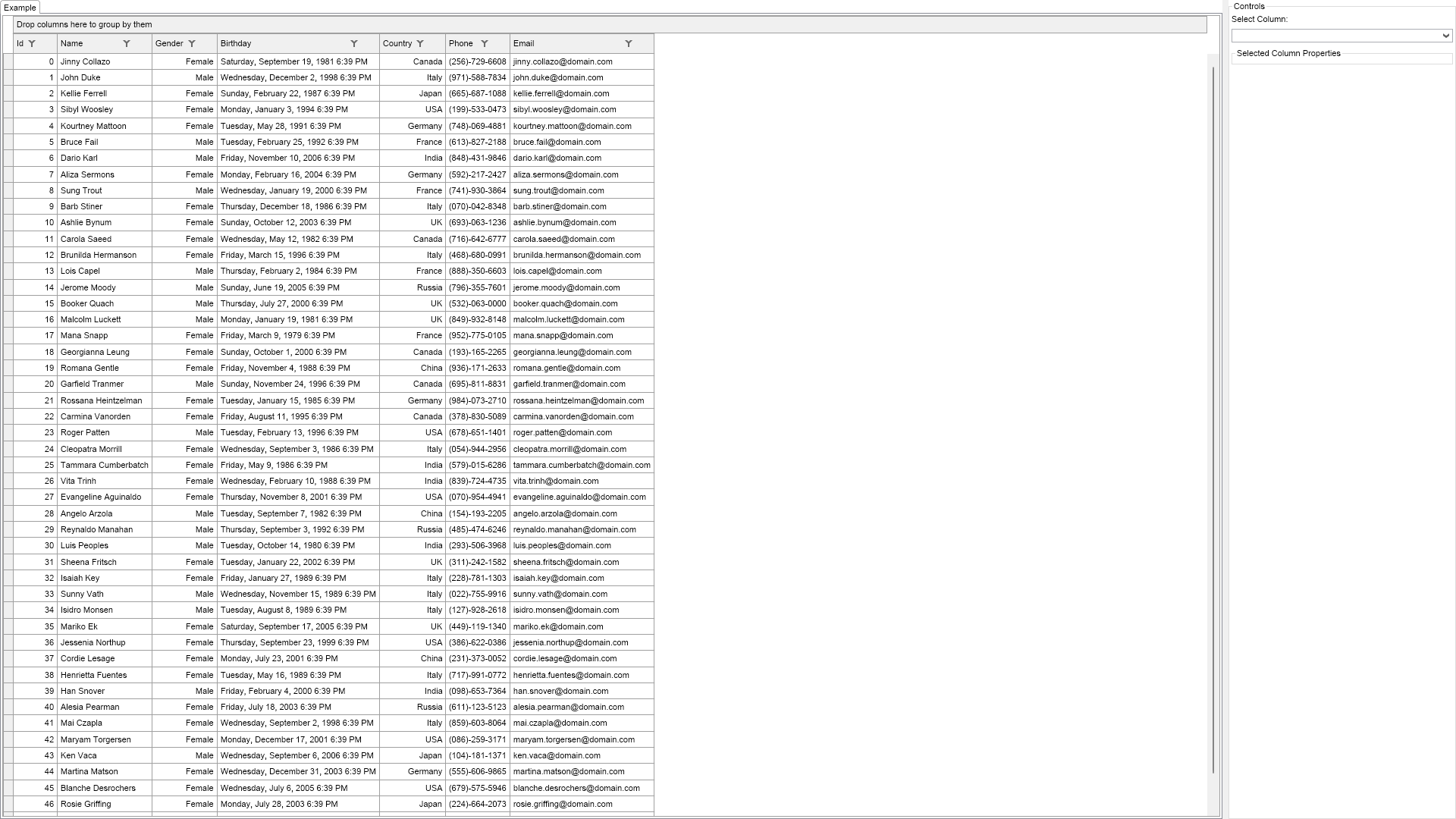
Demonstrates the column properties that affect the column width.
Select a column from the Select Column combo box and explore the properties that control the selected column width.

| Language: C# |
using Nevron.Nov;
using Nevron.Nov.Data;
using Nevron.Nov.DataStructures;
using Nevron.Nov.Dom;
using Nevron.Nov.Editors;
using Nevron.Nov.Graphics;
using Nevron.Nov.Grid;
using Nevron.Nov.Layout;
using Nevron.Nov.Presentation;
using Nevron.Nov.UI;
using Nevron.Nov.Windows.Forms;
using System;
using System.Windows.Forms;
namespace NovWinFormsProject
{
public partial class Form1 : Form
{
#region Constructors
public Form1()
{
InitializeComponent();
// Set form title
Text = "NOV WinForms - NColumnsWidthExample";
// Create the NOV example and its controls
NWidget exampleContent = CreateExampleContent();
NWidget exampleControls = CreateExampleControls();
if (exampleControls != null)
{
exampleControls.PreferredWidth = 300;
}
// Place the example and its controls in a pair box
NPairBox pairBox = new NPairBox(exampleContent, exampleControls);
pairBox.FillMode = ENStackFillMode.First;
pairBox.FitMode = ENStackFitMode.First;
pairBox.Margins = new NMargins(NDesign.HorizontalSpacing, NDesign.VerticalSpacing);
// Host the example in the form
NNovWidgetHost host = new NNovWidgetHost(pairBox);
host.Dock = DockStyle.Fill;
Controls.Add(host);
}
#endregion
#region Example
public NWidget CreateExampleContent()
{
m_TableView = new NTableGridView();
m_TableView.Grid.DataSource = NDummyDataSource.CreatePersonsDataSource();
return m_TableView;
}
public NWidget CreateExampleControls()
{
NStackPanel stack = new NStackPanel();
// create the columns combo box
stack.Add(new NLabel("Select Column:"));
m_ColumnsComboBox = new NComboBox();
stack.Add(m_ColumnsComboBox);
for (int i = 0; i < m_TableView.Grid.Columns.Count; i++)
{
NColumn column = m_TableView.Grid.Columns[i];
NComboBoxItem item = new NComboBoxItem(column.Title);
item.Tag = column;
m_ColumnsComboBox.Items.Add(item);
}
m_ColumnsComboBox.SelectedIndexChanged += OnColumnsComboBoxSelectedIndexChanged;
// create the columns
m_ColumnPropertiesHolder = new NContentHolder();
stack.Add(new NGroupBox("Selected Column Properties", m_ColumnPropertiesHolder));
return stack;
}
public string GetExampleDescription()
{
return @"
Demonstrates the column properties that affect the column width.
Select a column from the Select Column combo box and explore the properties that control the selected column width.
";
}
///
/// Gets the relevant documentation links for the example
///
///
public (string Name, string Url)[] GetDocumentationUrls()
{
return new[]
{
("Grid Column Width", "https://www.nevron.com/docs/openvision/grid-column-width.html"),
("Grid Columns", "https://www.nevron.com/docs/openvision/grid-columns.html"),
};
}
#endregion
#region Implementation
#endregion
#region Event Handlers
void OnColumnsComboBoxSelectedIndexChanged(NValueChangeEventArgs arg)
{
NComboBoxItem item = m_ColumnsComboBox.SelectedItem;
if (item == null)
{
m_ColumnPropertiesHolder.Content = null;
}
else
{
NColumn column = (NColumn)item.Tag;
NStackPanel columnPropertiesStack = new NStackPanel();
m_ColumnPropertiesHolder.Content = new NUniSizeBoxGroup(columnPropertiesStack);
NDesigner designer = NDesigner.GetDesigner(column);
NList editors = designer.CreateMemberEditors(
column,
NColumn.WidthModeProperty,
NColumn.FixedWidthProperty,
NColumn.WidthPercentProperty );
for (int i = 0; i < editors.Count; i++)
{
columnPropertiesStack.Add(editors[i]);
}
}
}
#endregion
#region Fields
NTableGridView m_TableView;
NComboBox m_ColumnsComboBox;
NContentHolder m_ColumnPropertiesHolder;
#endregion
#region Static Methods
#endregion
#region Constants
#endregion
#region Nested Types
#endregion
}
}