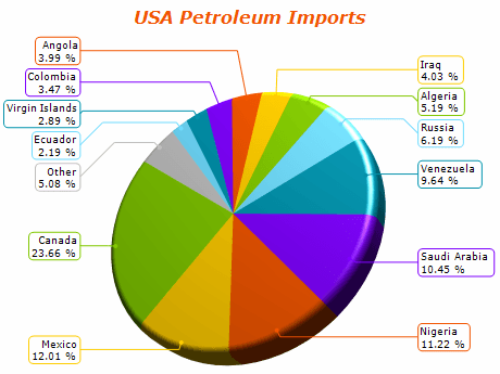
NOV Chart for WinForms is a high-performance charting control for WinForms applications. It provides a comprehensive set of 2D and 3D chart types, advanced axis models and scales, extensive interactivity features, and a GPU-accelerated rendering engine designed for demanding data visualization scenarios.
Complete set of charting types
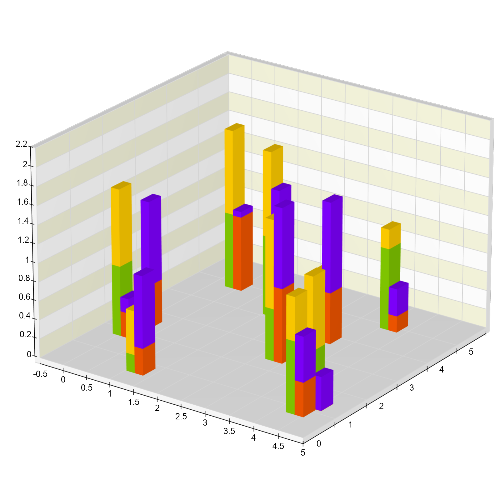
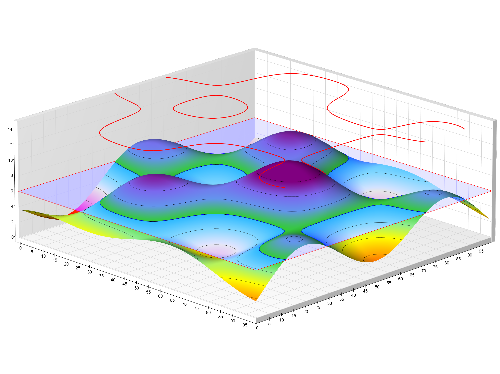
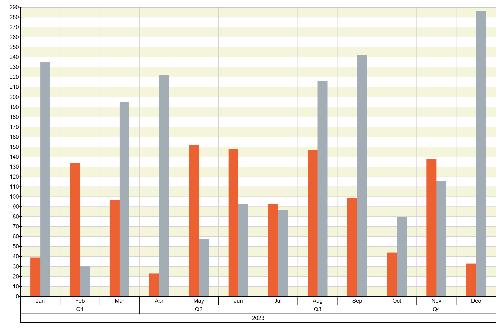
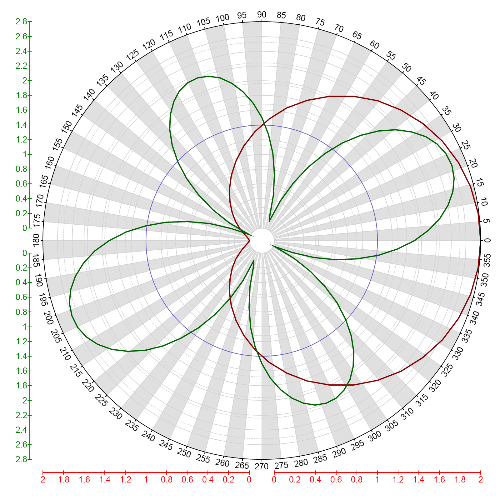
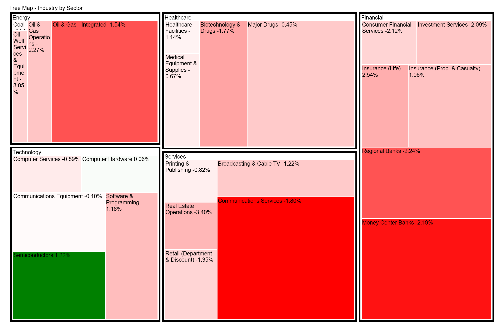
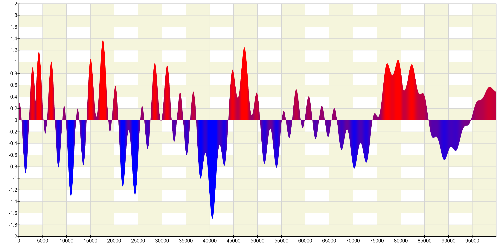
NOV Chart for WinForms includes a wide range of 2D and 3D chart types. It supports all standard charts such as line, bar, area, point, scatter, heat maps, and surface charts, as well as advanced charts such as pie, radar, polar, treemap, and funnel.
The control also supports complex chart variations, including stacked and clustered charts, XY and XYZ scatter plots, and combination chart types.
Unlimited chart series and axes
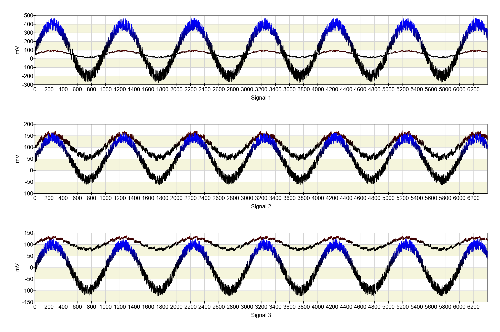
NOV Chart for WinForms gives you the flexibility to display complex data with unlimited chart series and axes. Combine multiple datasets, scales, and chart types to create rich and informative visualizations.
Advanced chart axis model
NOV Chart provides a flexible axis model with full control over labels, formatting, ranges, and scaling. It also supports advanced scale types including table, range, value timeline, time span, and logarithmic.
Additional features include scale breaks, custom labels, axis sections, and intelligent date-time formatting.
Optimized for high-performance charting
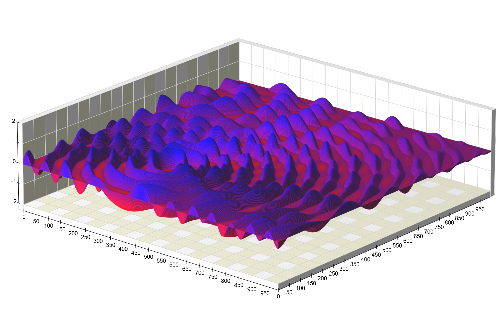
NOV Chart uses Nevron's proprietary OpenGL-based rendering engine optimized for GPU-accelerated 2D and 3D rendering. The rendering engine uses techniques such as shaders, multithreaded processing, and vectorized code to deliver real-time visualization of large datasets while maintaining high image quality.
Integration with other NOV controls
NOV Chart integrates with other NOV controls such as Diagram, Rich Text Editor, Grid, Gauge, and Barcode. This enables the creation of dashboards, reports, and applications with embedded charts, documents, and diagrams.
Charts can also be exported, serialized, and printed as part of Diagram and Rich Text documents.
Comprehensive API, Documentation, and Examples
NOV Chart for WinForms comes with a comprehensive API, detailed documentation, and hundreds of examples. The included examples cover scenarios ranging from basic charts to advanced data visualization applications.
Export formats
Export charts to BMP, PNG, JPG, TIFF, GIF, SVG, EMF, and PDF formats. PDF export also supports interactive features such as hyperlinks and tooltips.
NOV Chart for WinForms combines comprehensive chart type support, flexible axis configuration, high-performance rendering, and integration with other NOV controls to simplify the development of interactive data visualization applications.

 Open Vision for .NET
 NOV Chart for .NET
 NOV Diagram for .NET
 NOV Rich Text Editor for .NET
 NOV Grid for .NET
 NOV Schedule for .NET
 NOV Gauge for .NET
 NOV Barcode for .NET
 NOV User Interface for .NET
 Vision for .NET
 Chart for .NET
 Diagram for .NET
 User Interface for .NET
 Vision for SSRS
 Chart for SSRS
 Gauge for SSRS
 Map for SSRS
 Barcode for SSRS
 Vision for SharePoint
 Chart for SharePoint
 Gauge for SharePoint
 Map for SharePoint
 Barcode for SharePoint