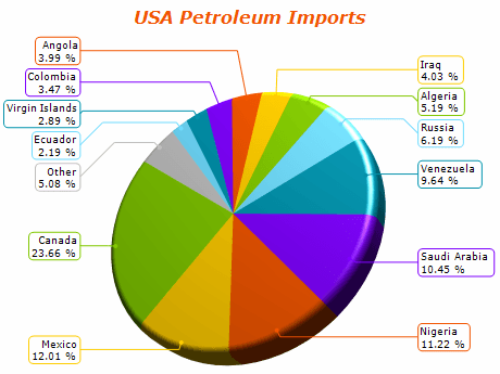
NOV Chart for WPF is a high-performance charting control for WPF applications. It provides a comprehensive set of 2D and 3D chart types,
advanced axis scales, extensive interactivity features, and a GPU-accelerated rendering engine designed for demanding data visualization scenarios.
Complete set of charting types
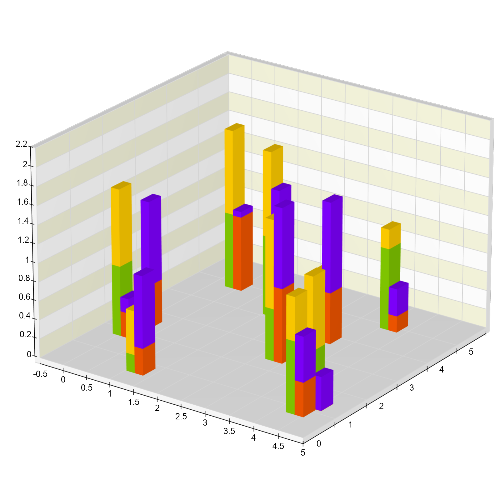
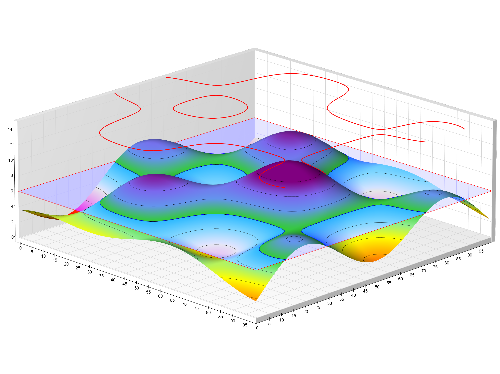
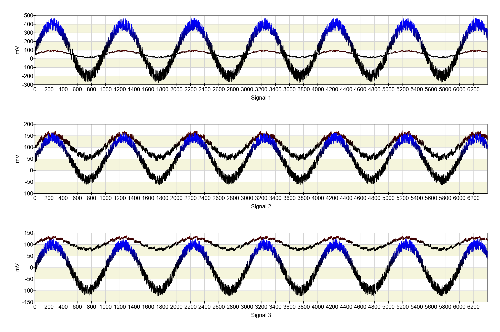
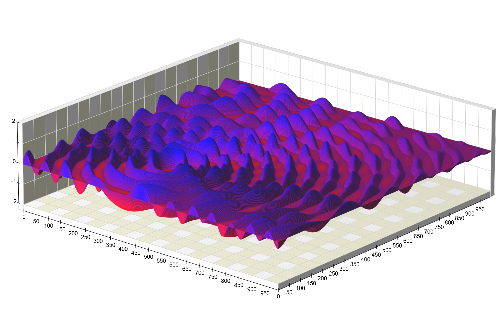
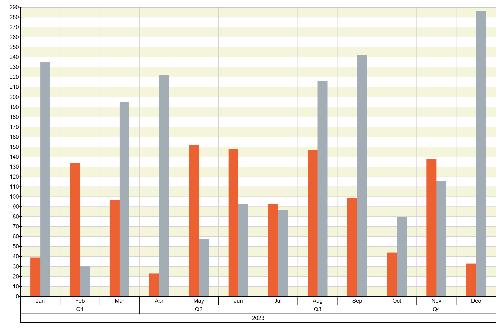
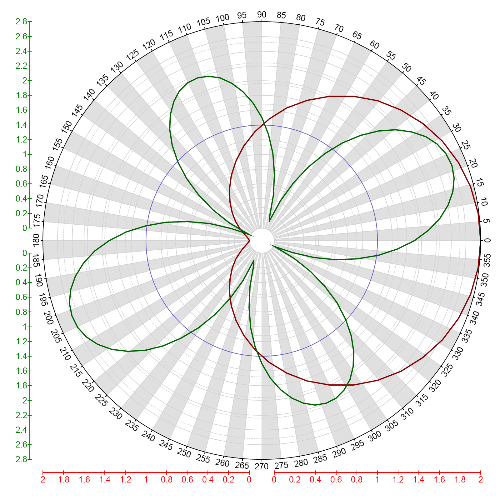
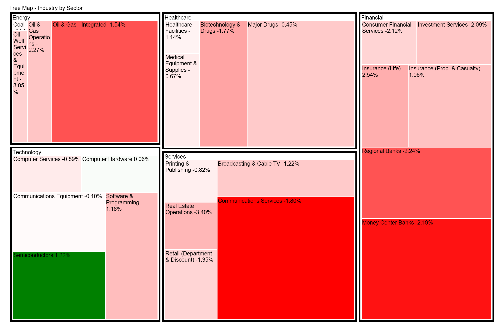
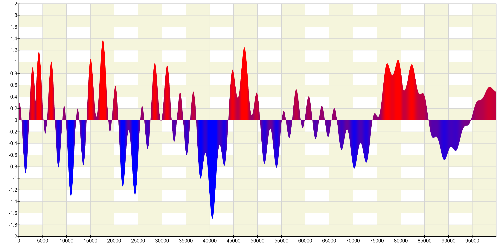
The NOV WPF Chart control provides a comprehensive set of 2D and 3D charting types. Supported chart types include point, line, bar, bubble, pie, scatter and surface charts, heat maps, stacks, and clusters as well as non-Cartesian charts such as polar, radar, treemap, funnel, and many more for a total of more than 100 chart type variations.
Advanced chart axis model
The chart control provides a flexible axis model that allows developers to configure every aspect of chart axes. This includes axis positioning and docking, axis crossing, automatic positioning in 3D, labels, formatting, ticks, rulers, scale breaks, sections, and other visual elements.
NOV Chart also supports a wide range of axis scales, including numeric, date-time, time-span, logarithmic, hierarchical, range, table, and timeline scales. This allows charts to correctly scale and annotate different types of data while also enhancing readability.
Interactivity features
The control supports many interactivity features such as data zooming, scrolling, panning, offset, trackball (interactive 3D rotation), cursors, hit-testing, and tooltips.
Developers can also extend this functionality with custom interactivity features.
Optimized for high-performance charting
NOV Chart uses a proprietary OpenGL-based rendering engine optimized for both CPU and GPU performance. The rendering system uses advanced graphics techniques including shaders, memory-mapped vertex buffers, multithreaded processing, and vectorized code.
The engine integrates OpenGL rendering with WPF through a framebuffer linked to a Direct2D image, allowing direct GPU-accelerated rendering inside WPF applications. It is designed to handle millions of data points while maintaining smooth interaction and high visual quality.
Rendering quality is enhanced through features such as MSAA, subpixel glyph antialiasing, pixel snapping, and other visual effects.
Integration with other NOV components
NOV Chart for WPF integrates with other NOV controls, allowing charts to be combined with diagrams, maps, gauges, and other UI elements to build dashboards and data-rich applications.
This is possible because all NOV components share the same document object model (DOM), enabling consistent serialization, editing, rendering, and programmatic access. The chart can be exported to PDF, SVG, EMF, PNG, JPEG, and other vector and raster formats.

 Open Vision for .NET
 NOV Chart for .NET
 NOV Diagram for .NET
 NOV Rich Text Editor for .NET
 NOV Grid for .NET
 NOV Schedule for .NET
 NOV Gauge for .NET
 NOV Barcode for .NET
 NOV User Interface for .NET
 Vision for .NET
 Chart for .NET
 Diagram for .NET
 User Interface for .NET
 Vision for SSRS
 Chart for SSRS
 Gauge for SSRS
 Map for SSRS
 Barcode for SSRS
 Vision for SharePoint
 Chart for SharePoint
 Gauge for SharePoint
 Map for SharePoint
 Barcode for SharePoint