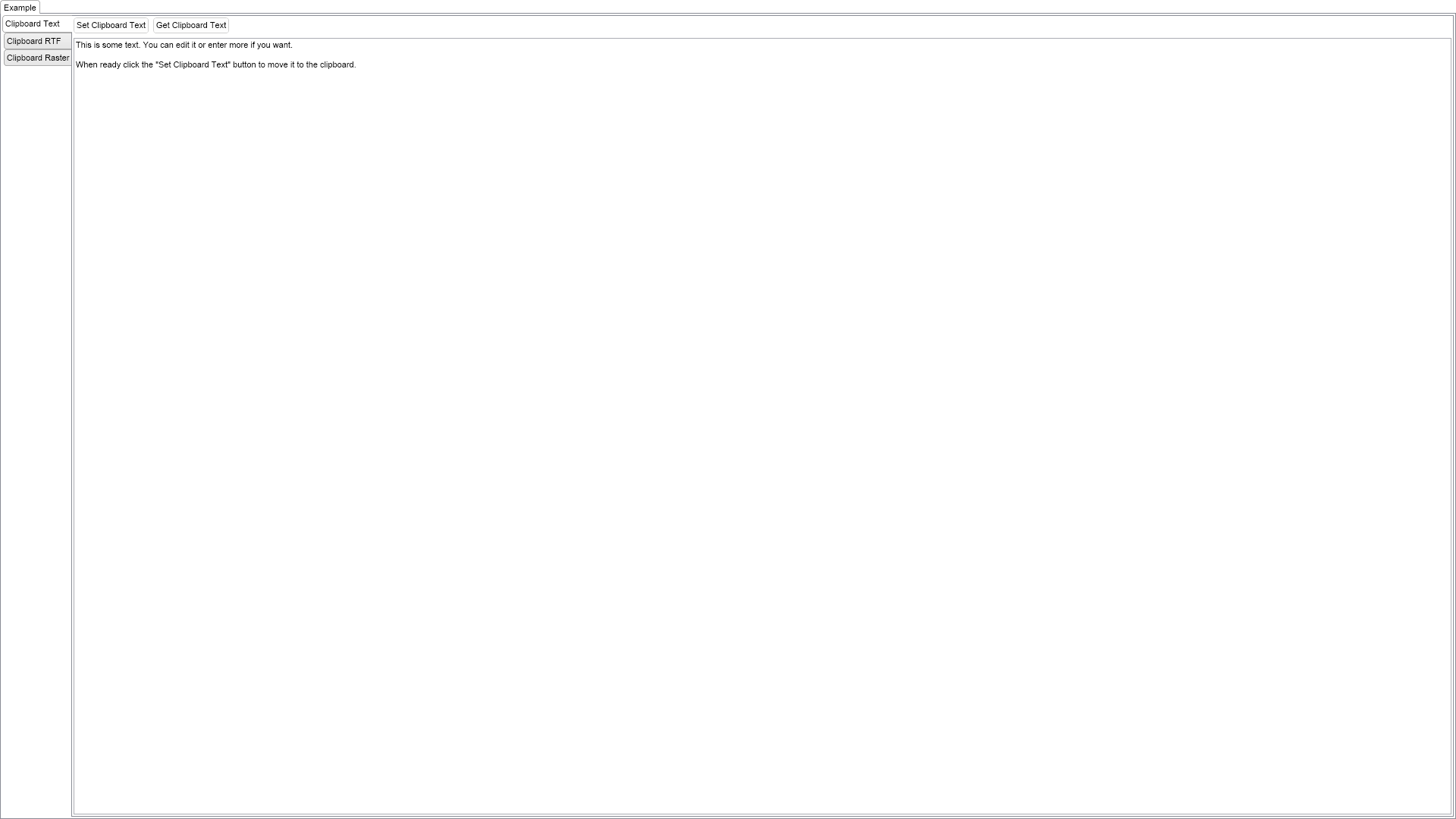
The example demonstrates how to use Clipboard in NOV. Click the Set Clipboard Text button to set the text of the text box to the clipboard and clear the text box. Click Get Clipboard Text to load the text from the clipboard to the text box. The same goes for the rich text and the images examples.

| Language: C# |
using Nevron.Nov;
using Nevron.Nov.Dom;
using Nevron.Nov.Editors;
using Nevron.Nov.Graphics;
using Nevron.Nov.Layout;
using Nevron.Nov.Text;
using Nevron.Nov.Text.Formats;
using Nevron.Nov.UI;
using Nevron.Nov.Windows.Forms;
using System.Globalization;
using System.IO;
using System.Windows.Forms;
namespace NovWinFormsProject
{
public partial class Form1 : Form
{
#region Constructors
public Form1()
{
InitializeComponent();
// Set form title
Text = "NOV WinForms - NClipboardExample";
// Create the NOV example and its controls
NWidget exampleContent = CreateExampleContent();
NWidget exampleControls = CreateExampleControls();
if (exampleControls != null)
{
exampleControls.PreferredWidth = 300;
}
// Place the example and its controls in a pair box
NPairBox pairBox = new NPairBox(exampleContent, exampleControls);
pairBox.FillMode = ENStackFillMode.First;
pairBox.FitMode = ENStackFitMode.First;
pairBox.Margins = new NMargins(NDesign.HorizontalSpacing, NDesign.VerticalSpacing);
// Host the example in the form
NNovWidgetHost host = new NNovWidgetHost(pairBox);
host.Dock = DockStyle.Fill;
Controls.Add(host);
}
#endregion
#region Example
public NWidget CreateExampleContent()
{
NTab tab = new NTab();
tab.HeadersPosition = ENTabHeadersPosition.Left;
tab.TabPages.Add(new NTabPage("Clipboard Text", CreateTextDemo()));
tab.TabPages.Add(new NTabPage("Clipboard RTF", CreateRTFDemo()));
tab.TabPages.Add(new NTabPage("Clipboard Raster", CreateRasterDemo()));
return tab;
}
public NWidget CreateExampleControls()
{
return null;
}
public string GetExampleDescription()
{
return @"
The example demonstrates how to use Clipboard in NOV. Click the Set Clipboard Text button to set the text of the text box
to the clipboard and clear the text box. Click Get Clipboard Text to load the text from the clipboard to the text box. The same
goes for the rich text and the images examples.
";
}
///
/// Gets the relevant documentation links for the example
///
///
public (string Name, string Url)[] GetDocumentationUrls()
{
return new[]
{
("Clipboard", "https://www.nevron.com/docs/openvision/ui-clipboard.html"),
("Data Formats", "https://www.nevron.com/docs/openvision/ui-data-formats.html"),
};
}
#endregion
#region Implementation
#endregion
#region Event Handlers
#endregion
#region Fields
private NTextBox m_TextBox;
private NRichTextView m_RichText;
private NImageBox m_ImageBox;
#endregion
#region Static Methods
#endregion
#region Constants
#endregion
#region Nested Types
#endregion
}
}