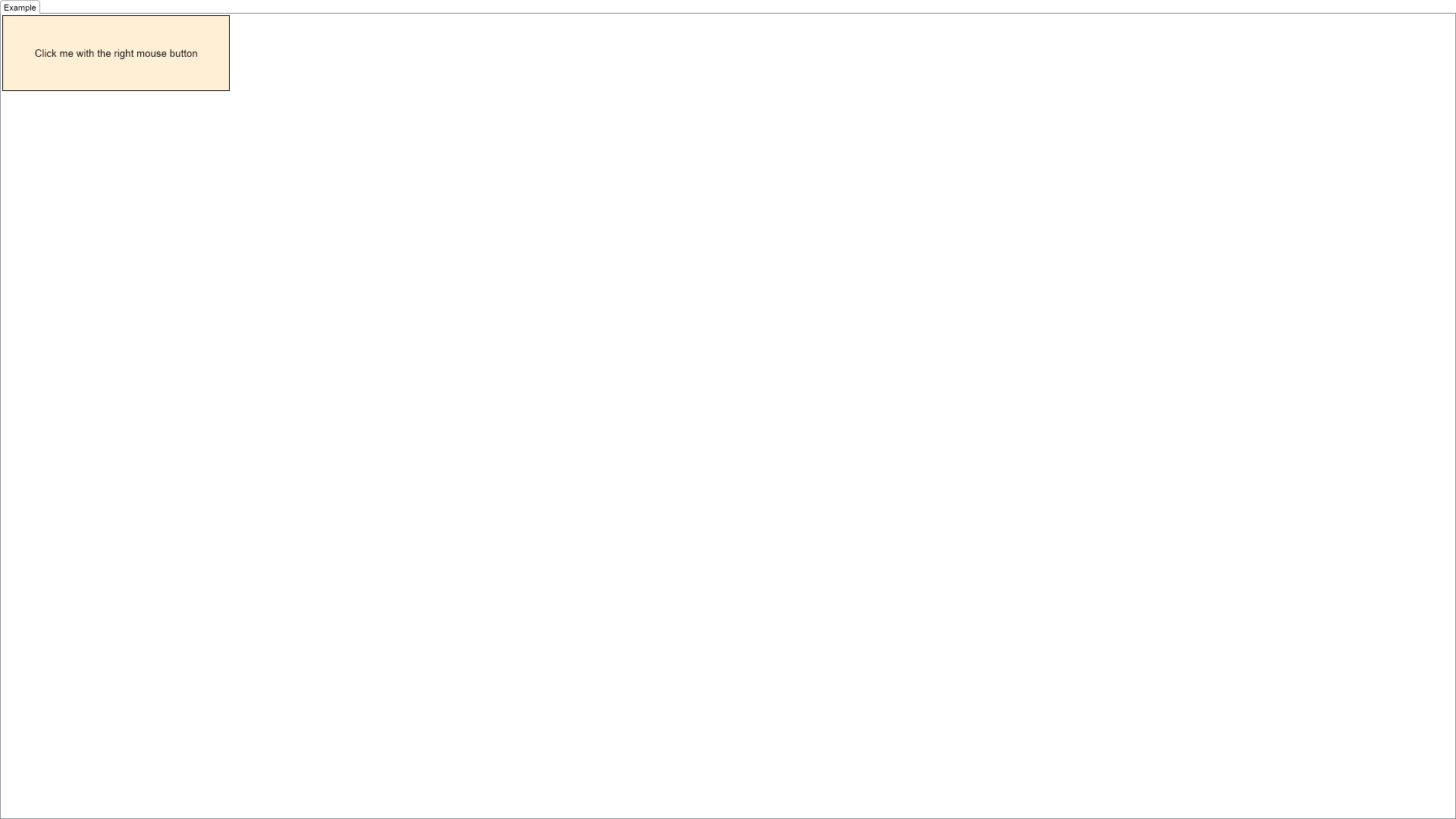
This example demonstrates how to create an interactive context popup. All you have to do is to create a popup window and show it using the NPopupWindow.OpenInContext(...) method when the user right clicks the widget the context is designed for.

| Language: C# |
using Nevron.Nov;
using Nevron.Nov.Dom;
using Nevron.Nov.Graphics;
using Nevron.Nov.Layout;
using Nevron.Nov.UI;
using Nevron.Nov.Windows.Forms;
using System.Windows.Forms;
namespace NovWinFormsProject
{
public partial class Form1 : Form
{
#region Constructors
public Form1()
{
InitializeComponent();
// Set form title
Text = "NOV WinForms - NInteractiveContextPopupExample";
// Create the NOV example and its controls
NWidget exampleContent = CreateExampleContent();
NWidget exampleControls = CreateExampleControls();
if (exampleControls != null)
{
exampleControls.PreferredWidth = 300;
}
// Place the example and its controls in a pair box
NPairBox pairBox = new NPairBox(exampleContent, exampleControls);
pairBox.FillMode = ENStackFillMode.First;
pairBox.FitMode = ENStackFitMode.First;
pairBox.Margins = new NMargins(NDesign.HorizontalSpacing, NDesign.VerticalSpacing);
// Host the example in the form
NNovWidgetHost host = new NNovWidgetHost(pairBox);
host.Dock = DockStyle.Fill;
Controls.Add(host);
}
#endregion
#region Example
public NWidget CreateExampleContent()
{
m_Label = new NLabel("Click me with the right mouse button");
m_Label.HorizontalPlacement = ENHorizontalPlacement.Center;
m_Label.VerticalPlacement = ENVerticalPlacement.Center;
m_Label.Font = new NFont(NFontDescriptor.DefaultSansFamilyName, 10, ENFontStyle.Regular);
m_Label.TextFill = new NColorFill(NColor.Black);
NContentHolder widget = new NContentHolder(m_Label);
widget.HorizontalPlacement = ENHorizontalPlacement.Left;
widget.VerticalPlacement = ENVerticalPlacement.Top;
widget.BackgroundFill = new NColorFill(NColor.PapayaWhip);
widget.Border = NBorder.CreateFilledBorder(NColor.Black);
widget.BorderThickness = new NMargins(1);
widget.PreferredSize = new NSize(300, 100);
widget.MouseDown += OnTargetWidgetMouseDown;
return widget;
}
public NWidget CreateExampleControls()
{
return null;
}
public string GetExampleDescription()
{
return @"
This example demonstrates how to create an interactive context popup. All you have to do is to create
a popup window and show it using the NPopupWindow.OpenInContext(...) method when the user right
clicks the widget the context is designed for.
";
}
///
/// Gets the relevant documentation links for the example
///
///
public (string Name, string Url)[] GetDocumentationUrls()
{
return new[]
{
("Interactive Context Popup", "https://www.nevron.com/docs/openvision/ui-interactive-context-popup.html"),
("Context Popups Overview", "https://www.nevron.com/docs/openvision/ui-context-popups-overview.html"),
};
}
#endregion
#region Implementation
private NToggleButton CreateToggleButton(string text, bool isChecked)
{
NLabel label = new NLabel(text);
label.HorizontalPlacement = ENHorizontalPlacement.Center;
label.VerticalPlacement = ENVerticalPlacement.Center;
NToggleButton button = new NToggleButton(label);
button.Checked = isChecked;
button.PreferredWidth = 20;
button.CheckedChanged += OnToggleButtonCheckedChanged;
return button;
}
private NWidget CreatePopupContent()
{
// Create the first tool bar
NToolBar toolBar1 = new NToolBar();
toolBar1.HideGripperAndPendant();
toolBar1.Items.HorizontalSpacing = 3;
NComboBox fontComboBox = new NComboBox();
for (int i = 0, fontCount = Fonts.Length; i < fontCount; i++)
{
string fontName = Fonts[i];
NLabel label = new NLabel(fontName);
label.Font = new NFont(fontName, 8, ENFontStyle.Regular);
fontComboBox.Items.Add(new NComboBoxItem(label));
if (fontName == m_Label.Font.Name)
{
// Update the selected index
fontComboBox.SelectedIndex = i;
}
}
fontComboBox.SelectedIndexChanged += OnFontComboBoxSelectedIndexChanged;
toolBar1.Items.Add(fontComboBox);
NNumericUpDown fontSizeNumericUpDown = new NNumericUpDown();
fontSizeNumericUpDown.Minimum = 6;
fontSizeNumericUpDown.Maximum = 32;
fontSizeNumericUpDown.Value = m_Label.Font.Size;
fontSizeNumericUpDown.ValueChanged += OnFontSizeNumericUpDownValueChanged;
toolBar1.Items.Add(fontSizeNumericUpDown);
// Create the second tool bar
NToolBar toolBar2 = new NToolBar();
toolBar2.HideGripperAndPendant();
NToggleButton boldButton = CreateToggleButton("B", (m_Label.Font.Style & ENFontStyle.Bold) == ENFontStyle.Bold);
toolBar2.Items.Add(boldButton);
NToggleButton italicButton = CreateToggleButton("I", (m_Label.Font.Style & ENFontStyle.Italic) == ENFontStyle.Italic);
toolBar2.Items.Add(italicButton);
NToggleButton underlineButton = CreateToggleButton("U", (m_Label.Font.Style & ENFontStyle.Underline) == ENFontStyle.Underline);
toolBar2.Items.Add(underlineButton);
NFillSplitButton fillButton = new NFillSplitButton();
fillButton.SelectedValue = new NAutomaticValue(false, (NFill)m_Label.TextFill.DeepClone());
fillButton.SelectedValueChanged += OnFillButtonSelectedValueChanged;
toolBar2.Items.Add(fillButton);
// Add the tool bars in a stack
NStackPanel stack = new NStackPanel();
stack.Add(toolBar1);
stack.Add(toolBar2);
return stack;
}
#endregion
#region Event Handlers
private void OnTargetWidgetMouseDown(NMouseButtonEventArgs args)
{
if (args.Button != ENMouseButtons.Right)
return;
// Mark the event as handled
args.Cancel = true;
// Create and show the popup
NWidget popupContent = CreatePopupContent();
NPopupWindow popupWindow = new NPopupWindow(popupContent);
NPopupWindow.OpenInContext(popupWindow, args.CurrentTargetNode, args.ScreenPosition);
}
private void OnFontComboBoxSelectedIndexChanged(NValueChangeEventArgs args)
{
int index = (int)args.NewValue;
m_Label.Font.Name = Fonts[index];
}
private void OnToggleButtonCheckedChanged(NValueChangeEventArgs args)
{
NToggleButton toggleButton = (NToggleButton)args.CurrentTargetNode;
NLabel label = (NLabel)toggleButton.Content;
switch (label.Text)
{
case "B":
m_Label.Font.Style ^= ENFontStyle.Bold;
break;
case "I":
m_Label.Font.Style ^= ENFontStyle.Italic;
break;
case "U":
m_Label.Font.Style ^= ENFontStyle.Underline;
break;
}
}
private void OnFontSizeNumericUpDownValueChanged(NValueChangeEventArgs args)
{
m_Label.Font.Size = (double)args.NewValue;
}
private void OnFillButtonSelectedValueChanged(NValueChangeEventArgs args)
{
NAutomaticValue newValue = ((NAutomaticValue)args.NewValue);
NFill fill = newValue.Value;
m_Label.TextFill = (NFill)fill.DeepClone();
}
#endregion
#region Fields
private NLabel m_Label;
#endregion
#region Static Methods
#endregion
#region Constants
private static readonly string[] Fonts = new string[] {
NFontDescriptor.DefaultSansFamilyName,
NFontDescriptor.DefaultSerifFamilyName,
NFontDescriptor.DefaultMonoFamilyName
};
#endregion
#region Nested Types
#endregion
}
}