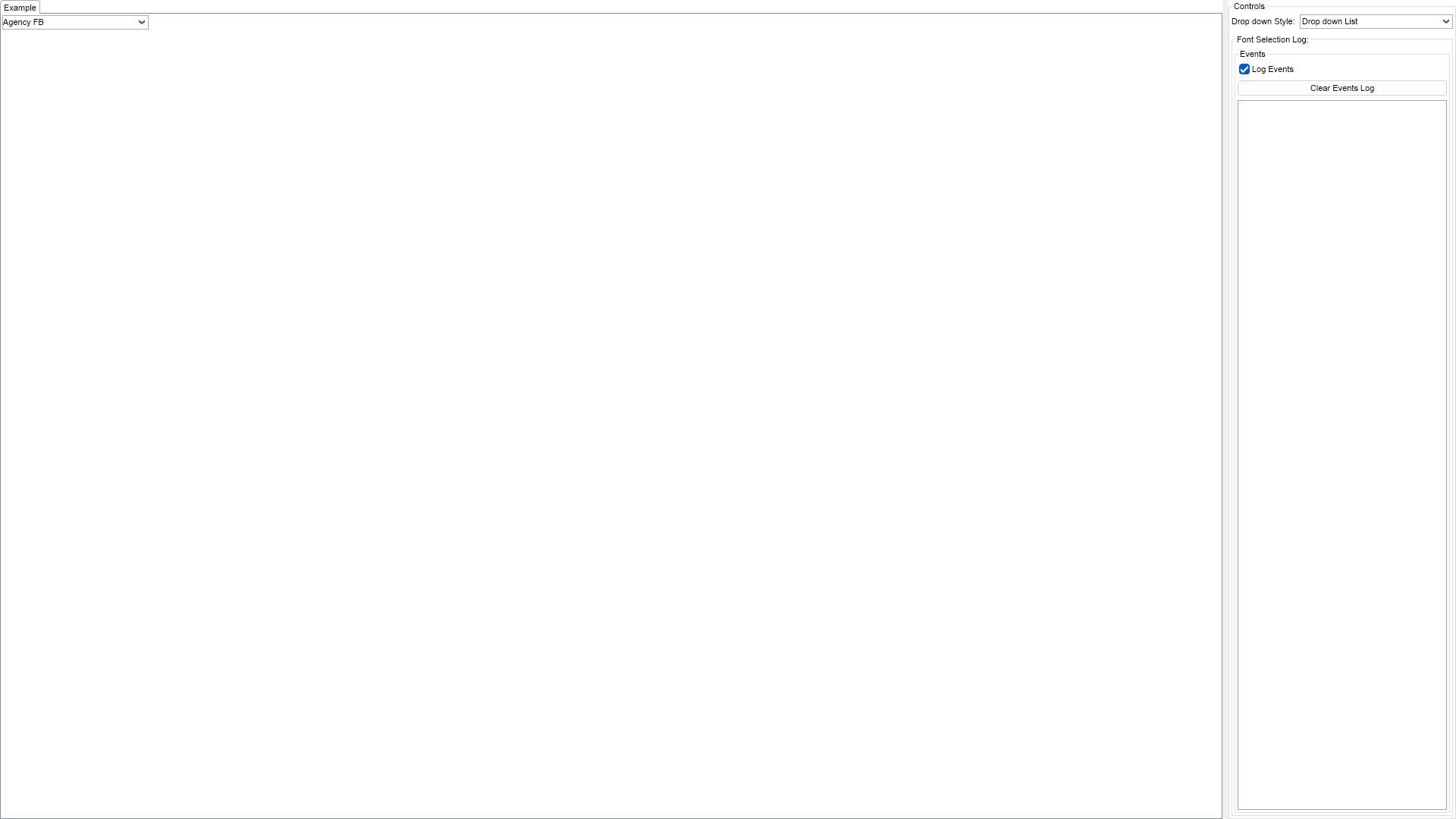
This example demonstrates how to use the built-in font name combo box, which allows the user to select a font name from the list of available fonts.

| Language: C# |
using Nevron.Nov;
using Nevron.Nov.Dom;
using Nevron.Nov.Editors;
using Nevron.Nov.Graphics;
using Nevron.Nov.Layout;
using Nevron.Nov.UI;
using Nevron.Nov.Windows.Forms;
using System.Windows.Forms;
namespace NovWinFormsProject
{
public partial class Form1 : Form
{
#region Constructors
public Form1()
{
InitializeComponent();
// Set form title
Text = "NOV WinForms - NFontNameComboBoxExample";
// Create the NOV example and its controls
NWidget exampleContent = CreateExampleContent();
NWidget exampleControls = CreateExampleControls();
if (exampleControls != null)
{
exampleControls.PreferredWidth = 300;
}
// Place the example and its controls in a pair box
NPairBox pairBox = new NPairBox(exampleContent, exampleControls);
pairBox.FillMode = ENStackFillMode.First;
pairBox.FitMode = ENStackFitMode.First;
pairBox.Margins = new NMargins(NDesign.HorizontalSpacing, NDesign.VerticalSpacing);
// Host the example in the form
NNovWidgetHost host = new NNovWidgetHost(pairBox);
host.Dock = DockStyle.Fill;
Controls.Add(host);
}
#endregion
#region Example
private NWidget CreateExampleContent()
{
return null;
}
private NWidget CreateExampleControls()
{
return null;
}
#endregion
#region Implementation
#endregion
#region Event Handlers
private void OnFontNameChanged(NValueChangeEventArgs args)
{
NFontNameThumbnailComboBox comboBox = (NFontNameThumbnailComboBox)args.TargetNode;
m_EventsLog.LogEvent(comboBox.SelectedFontName);
}
#endregion
#region Fields
private NFontNameThumbnailComboBox m_FontNameComboBox;
private NExampleEventsLog m_EventsLog;
#endregion
#region Static Methods
#endregion
#region Constants
#endregion
#region Nested Types
#endregion
}
}