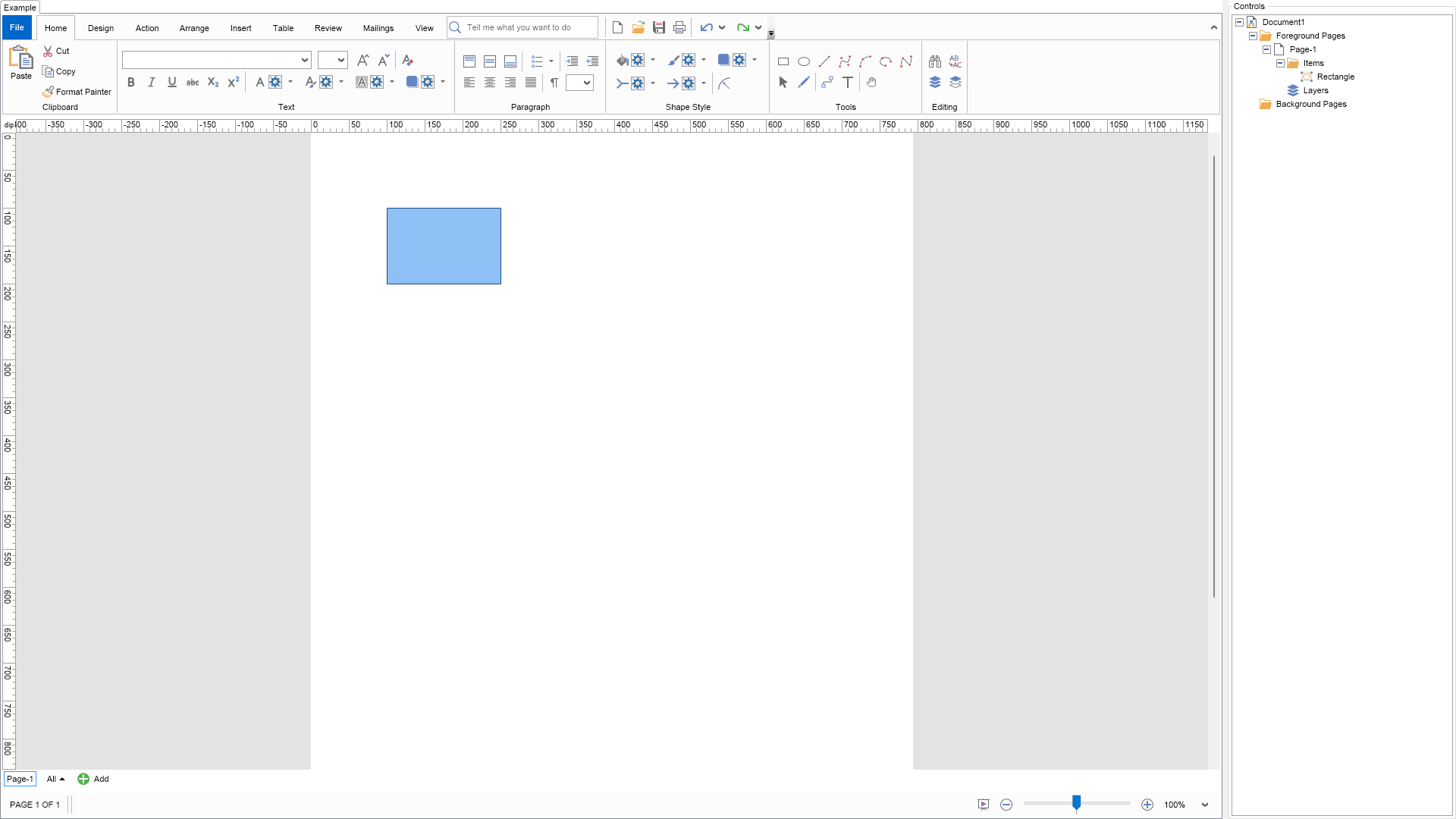
This example demonstrates how to customize the context menus displayed by the Drawing Explorer.
Much of the appearance and behavior of the tree view items displayed by the Drawing Explorer is controlled by instances of the NDrawingExplorerNodePresenter class. There is an instance of a specific NDrawingExplorerNodePresenter-derived class that handles the context menus displayed for the different elements of a drawing—pages, layers, shapes, etc. In this example, we have created a custom NDrawingExplorerNodePresenter class that adds a custom command to the shapes' context menu.
To see it in action, right-click on any shape inside the Drawing Explorer, and a custom command with a smiley face should appear.
| Language: C# |
using Nevron.Nov;
using Nevron.Nov.Diagram;
using Nevron.Nov.Diagram.Shapes;
using Nevron.Nov.Diagram.UI;
using Nevron.Nov.Dom;
using Nevron.Nov.Graphics;
using Nevron.Nov.Layout;
using Nevron.Nov.UI;
using Nevron.Nov.Windows.Forms;
using System.Windows.Forms;
namespace NovWinFormsProject
{
public partial class Form1 : Form
{
#region Constructors
public Form1()
{
InitializeComponent();
// Set form title
Text = "NOV WinForms - NDrawingExplorerCustomizationExample";
// Create the NOV example and its controls
NWidget exampleContent = CreateExampleContent();
NWidget exampleControls = CreateExampleControls();
if (exampleControls != null)
{
exampleControls.PreferredWidth = 300;
}
// Place the example and its controls in a pair box
NPairBox pairBox = new NPairBox(exampleContent, exampleControls);
pairBox.FillMode = ENStackFillMode.First;
pairBox.FitMode = ENStackFitMode.First;
pairBox.Margins = new NMargins(NDesign.HorizontalSpacing, NDesign.VerticalSpacing);
// Host the example in the form
NNovWidgetHost host = new NNovWidgetHost(pairBox);
host.Dock = DockStyle.Fill;
Controls.Add(host);
}
#endregion
#region Example
public NWidget CreateExampleContent()
{
// Create a simple drawing
m_DrawingView = new NDrawingView();
m_DrawingView.Document.HistoryService.Pause();
try
{
InitDiagram(m_DrawingView.Document);
}
finally
{
m_DrawingView.Document.HistoryService.Resume();
}
NDiagramRibbonBuilder ribbonBuilder = new NDiagramRibbonBuilder();
return ribbonBuilder.CreateUI(m_DrawingView);
}
public NWidget CreateExampleControls()
{
NDrawingExplorer drawingExplorer = new NDrawingExplorer();
drawingExplorer.DrawingView = m_DrawingView;
drawingExplorer.TreeView.ExpandAll(true);
// associate a custom shape presenter in order to context menus for shapes
CustomShapePresenter customShapePresenter = new CustomShapePresenter();
drawingExplorer.SetTypePresenter(typeof(NShape), customShapePresenter);
return drawingExplorer;
}
public string GetExampleDescription()
{
return @"
This example demonstrates how to customize the context menus displayed by the Drawing Explorer.
Much of the appearance and behavior of the tree view items displayed by the Drawing Explorer is controlled by instances of the NDrawingExplorerNodePresenter class.
There is an instance of a specific NDrawingExplorerNodePresenter-derived class that handles the context menus displayed for the different elements of a drawing—pages, layers, shapes, etc.
In this example, we have created a custom NDrawingExplorerNodePresenter class that adds a custom command to the shapes' context menu.
To see it in action, right-click on any shape inside the Drawing Explorer, and a custom command with a smiley face should appear.
";
}
///
/// Gets the relevant documentation links for the example
///
///
public (string Name, string Url)[] GetDocumentationUrls()
{
return new[]
{
("Drawing Explorer", "https://www.nevron.com/docs/openvision/diagram-drawing-explorer.html"),
("Diagram Document Object Model (DDOM)", "https://www.nevron.com/docs/openvision/diagram-document-object-model.html"),
};
}
private void InitDiagram(NDrawingDocument drawingDocument)
{
NShape shape = new NBasicShapeFactory().CreateShape(ENBasicShape.Rectangle);
shape.SetBounds(100, 100, 150, 100);
drawingDocument.Content.ActivePage.Items.Add(shape);
}
#endregion
#region Implementation
#endregion
#region Event Handlers
#endregion
#region Fields
private NDrawingView m_DrawingView;
#endregion
#region Static Methods
#endregion
#region Constants
#endregion
#region Nested Types
#endregion
}
}