Cartesian Axis Placement
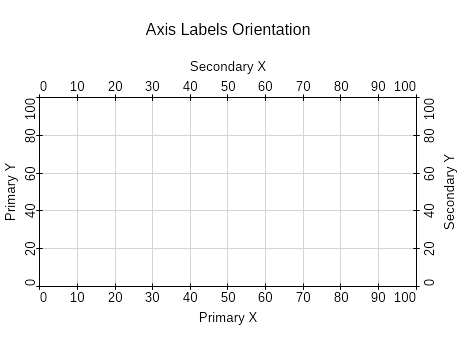
X-axis (horizontal): Place at the bottom by default; top only if needed. Y-axis (vertical): Place on the left by default.
Unobstructed Cartesian Axes
Offset axes from the chart sides if they overlap data or other axes.
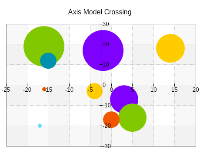
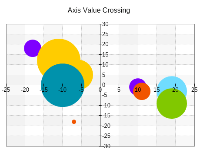
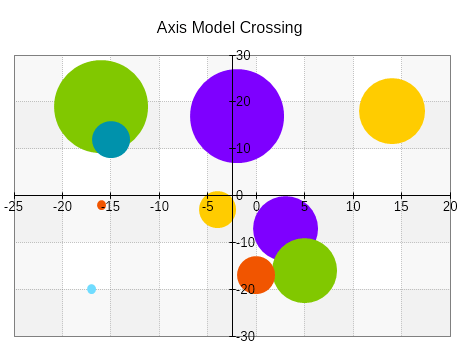
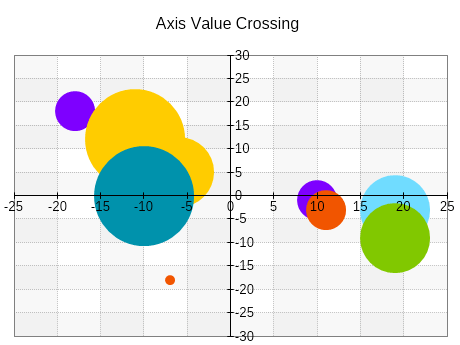
Cartesian Axis Crossings
Center axes through zero when data contains both positive and negative values.
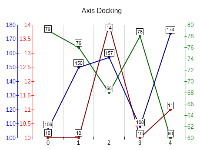
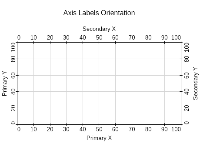
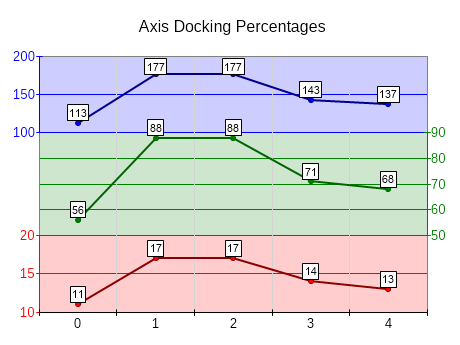
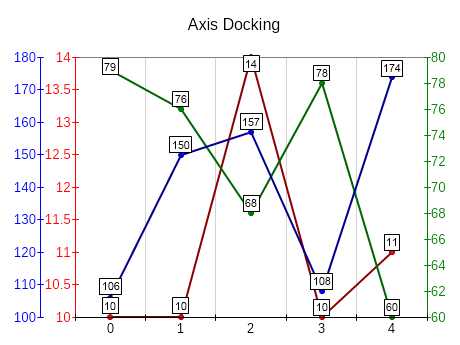
Secondary Cartesian Axes
Place secondary axes on the opposite side and choose appropriate color coding to clearly mark series that scale on the secondary axis.
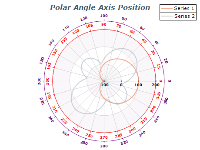
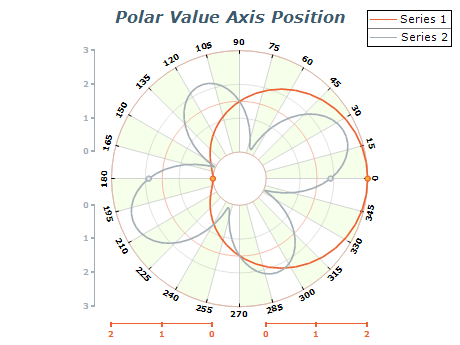
Polar Axis Reflection
Consider using axis reflection for value axes.
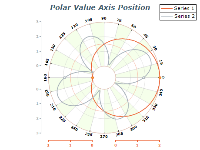
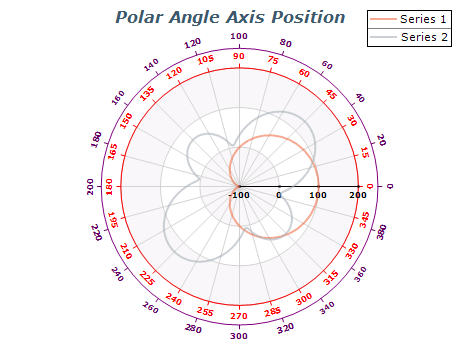
Polar Axis Docking
Consider using axis polar side docking for value axes if they obstruct data plotted on the polar.

 Open Vision for .NET
 NOV Chart for .NET
 NOV Diagram for .NET
 NOV Rich Text Editor for .NET
 NOV Grid for .NET
 NOV Schedule for .NET
 NOV Gauge for .NET
 NOV Barcode for .NET
 NOV User Interface for .NET
 Vision for .NET
 Chart for .NET
 Diagram for .NET
 User Interface for .NET
 Vision for SSRS
 Chart for SSRS
 Gauge for SSRS
 Map for SSRS
 Barcode for SSRS
 Vision for SharePoint
 Chart for SharePoint
 Gauge for SharePoint
 Map for SharePoint
 Barcode for SharePoint