ProductsAll Products
.NET Components
 Open Vision for .NET
 NOV Chart for .NET
 NOV Diagram for .NET
 NOV Rich Text Editor for .NET
 NOV Grid for .NET
 NOV Schedule for .NET
 NOV Gauge for .NET
 NOV Barcode for .NET
 NOV User Interface for .NET
 Vision for .NET
 Chart for .NET
 Diagram for .NET
 User Interface for .NET
 Vision for SSRS
 Chart for SSRS
 Gauge for SSRS
 Map for SSRS
 Barcode for SSRS
 Vision for SharePoint
 Chart for SharePoint
 Gauge for SharePoint
 Map for SharePoint
 Barcode for SharePoint
DownloadsAll Downloads
Scale Label Layout is a feature of the control that positions scale labels to prevent overlap. All layouts preserve the origin of the labels and modify their offset, scale, alignment, and/or orientation to achieve this. The control supports common scale label layout strategies, such as stagger, auto scale, and 30/45/90 degree rotation, among others. In addition, this feature works for both value and range scale labels.
| ||||||||
|
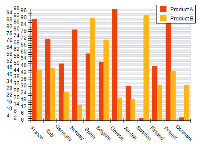
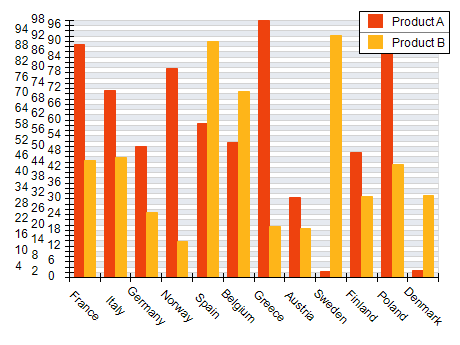
Use Rotation at Exact Angles to Prevent Overlap
Rotate labels (45° or preferably to 90° to retain readability) when horizontal space is limited, especially for long category names or dates.
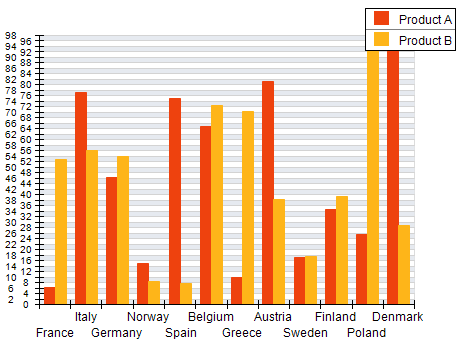
Staggered Labels
Apply staggered labels for dense categories. Try to limit the number of stagger levels to two or a maximum of three levels.
Automatic Label Scaling
Enable auto-scaling of labels. This type of scale label layout is used as a last resort when other label layouts fail to resolve the overlapping.
Label Trimming
Use label trimming as a last resort, especially for category labels as it will prevent the user from reading the full label text.
Use Wrapping Sparingly
Wrap multiline labels only if space allows and readability is maintained.
Hide or Skip Some Labels
For very dense axes, use the automatic auto-hide feature to hide every odd or even label to reduce the number of labels.