ProductsAll Products
.NET Components
 Open Vision for .NET
 NOV Chart for .NET
 NOV Diagram for .NET
 NOV Rich Text Editor for .NET
 NOV Grid for .NET
 NOV Schedule for .NET
 NOV Gauge for .NET
 NOV Barcode for .NET
 NOV User Interface for .NET
 Vision for .NET
 Chart for .NET
 Diagram for .NET
 User Interface for .NET
 Vision for SSRS
 Chart for SSRS
 Gauge for SSRS
 Map for SSRS
 Barcode for SSRS
 Vision for SharePoint
 Chart for SharePoint
 Gauge for SharePoint
 Map for SharePoint
 Barcode for SharePoint
DownloadsAll Downloads
Nevron Chart supports a wide range of 2D and 3D charts. In 3D mode, the control allows users to apply various projection transformations that affect how the chart model is displayed on the screen.
The types of projection transformations are classified into the following modes:
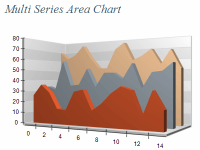
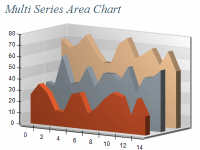
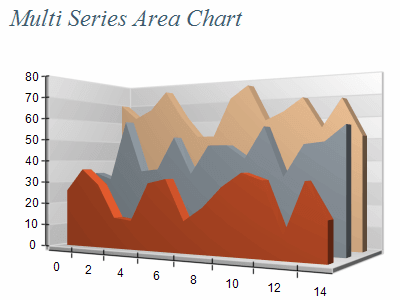
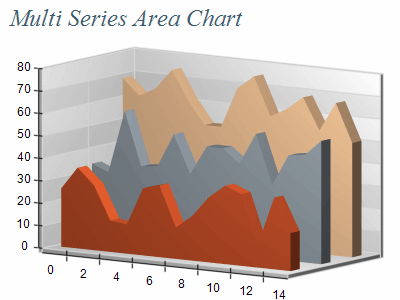
Perspective: In this mode, points have an offset depending on their distance from the viewer. Points that are farther from the viewer have a greater offset. This creates realistic charts by simulating depth.
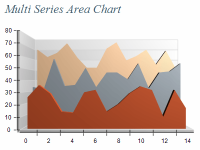
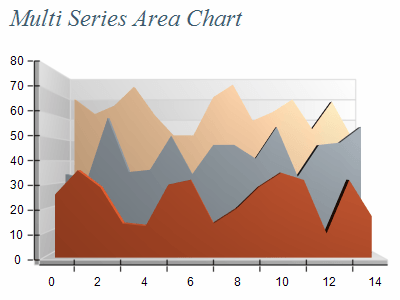
Orthogonal: Here, points at greater distances from the viewer do not have an offset on the screen, allowing the chart model to retain its original proportions.
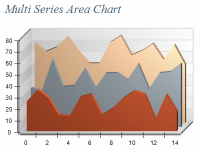
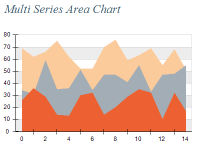
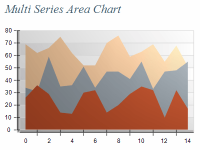
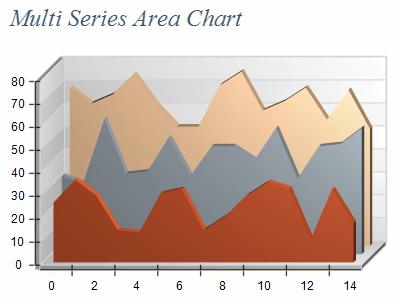
Orthogonal Half: this mode offsets points according to their depth, giving objects a three-dimensional appearance without perspective scaling. It is primarily used for 2D Half charts, which are essentially 2D charts with extruded depth.
| ||||||||||||||||||||||||
|
Consider the Chart Audience and Purpose
Understand who will be viewing the charts and for what purpose. Different projection settings may be more suitable for some charting types for example perspective should be your default choice if you want to create realistic 3D charts.
Perspective
Use perspective projection when you want to emphasize depth and create a more realistic representation of 3D objects. It's suitable for visualizations where understanding spatial relationships is important.
Orthogonal (Isometric)
Opt for orthogonal projection when maintaining accurate proportions and uniform scaling across all axes is crucial. This projection type is often used in technical drawings or when precise measurement comparisons are needed.
Orthogonal Half
This projection type can be a good compromise between perspective and orthogonal views. It provides some depth perception while still maintaining more accurate proportions compared to perspective.
Balance Depth and Proportion
If using perspective projection, be mindful of how much depth effect is applied. Too much perspective can distort proportions and make comparisons difficult. Adjust the projection settings to strike a balance between depth and accurate representation.