ProductsAll Products
.NET Components
 Open Vision for .NET
 NOV Chart for .NET
 NOV Diagram for .NET
 NOV Rich Text Editor for .NET
 NOV Grid for .NET
 NOV Schedule for .NET
 NOV Gauge for .NET
 NOV Barcode for .NET
 NOV User Interface for .NET
 Vision for .NET
 Chart for .NET
 Diagram for .NET
 User Interface for .NET
 Vision for SSRS
 Chart for SSRS
 Gauge for SSRS
 Map for SSRS
 Barcode for SSRS
 Vision for SharePoint
 Chart for SharePoint
 Gauge for SharePoint
 Map for SharePoint
 Barcode for SharePoint
DownloadsAll Downloads
TimeSpan Scale | ||
|
Match Data Granularity
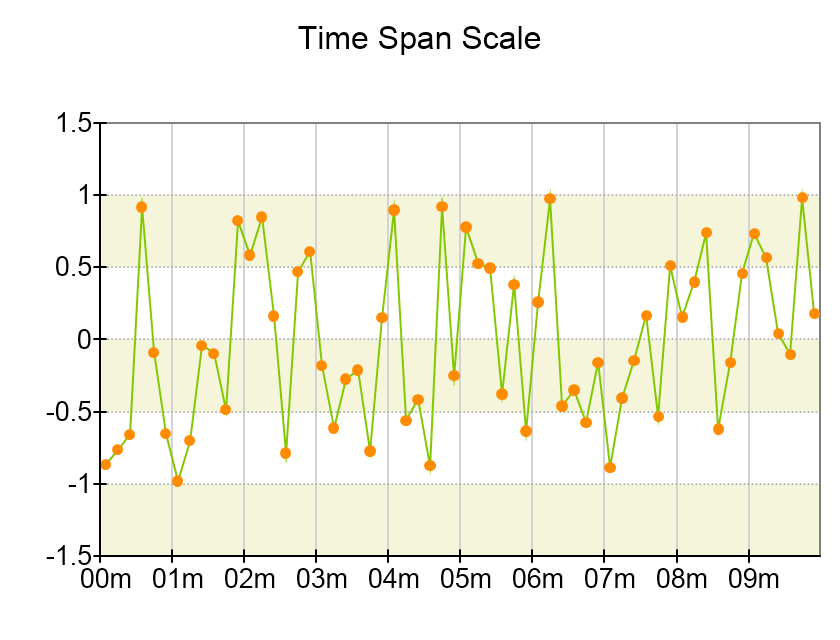
Select time intervals that match the granularity of your data (e.g., seconds, minutes, hours, days, etc.). For example, use daily intervals when displaying data spanning several days.
Avoid Overcrowding
Ensure label intervals are not too frequent to avoid overcrowding the axis with too many labels. The automatic date time step selector in the chart will try to select a proper date time unit and multiplier that will not clutter the scale with many labels but still generate a sufficient number of labels so that the scale is readable.
Choose Proper Formatting
Different time units require different time format strings. For example, it does not make sense to include hour information when generating labels using the millisecond unit.